

 Unified Admin
Back-end tools at your command
PrintNow empowers you to create customized Web-to-Print Stores your way. The Unified Admin is the centralized control center for all operations.
Learn more about Unified Admin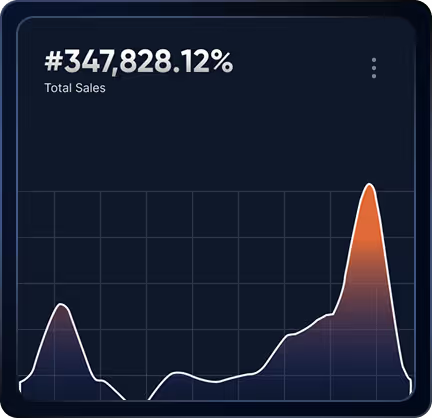
Your centralized control center
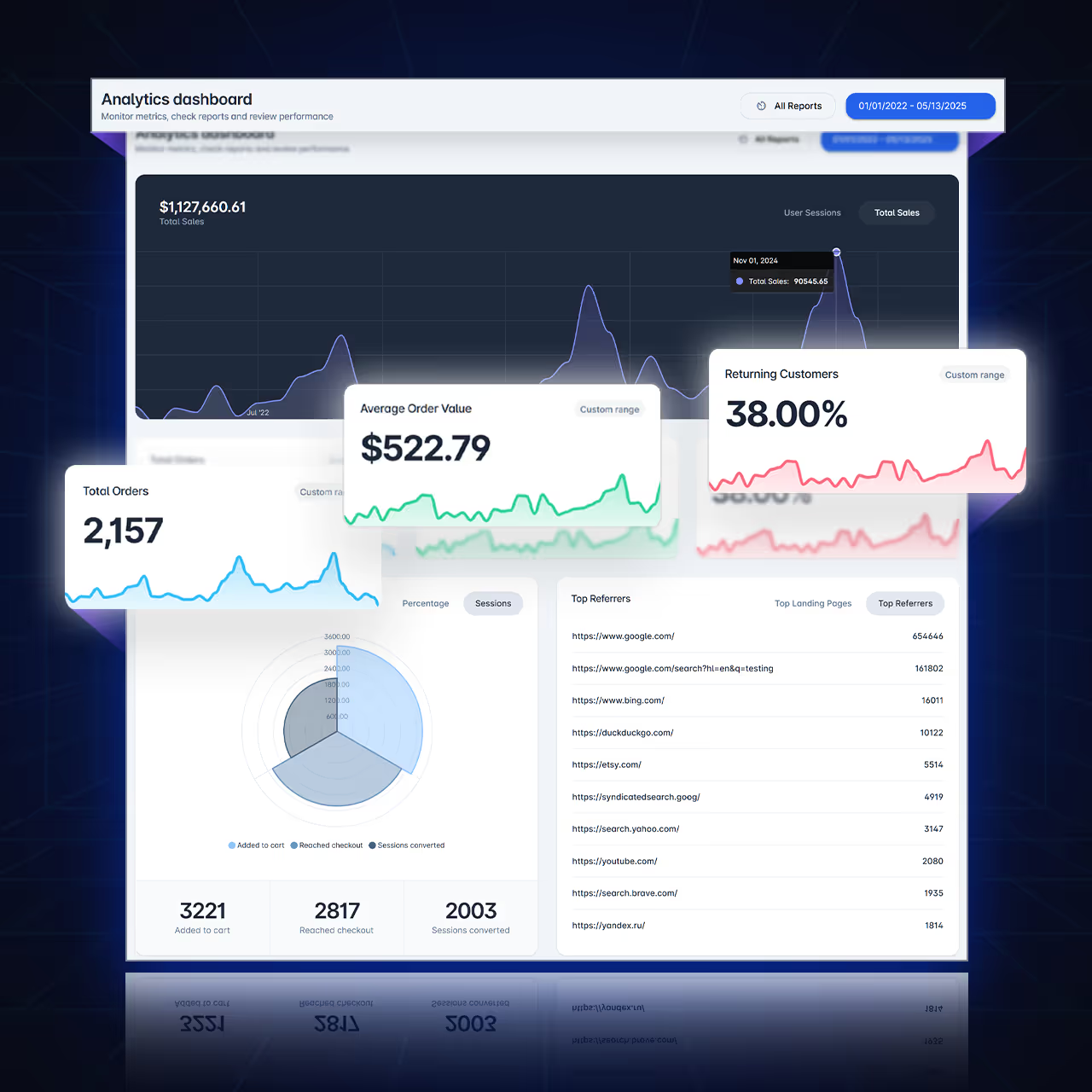
Key sales, orders, reports, & visitor data
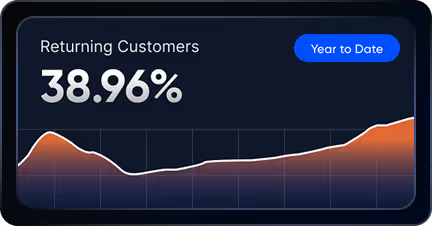
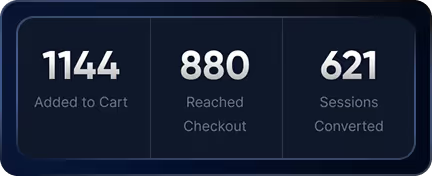
The Analytics dashboard displays key sales, orders, and online store visitor data — the reporting layer of PrintNow's web-to-print software platform.
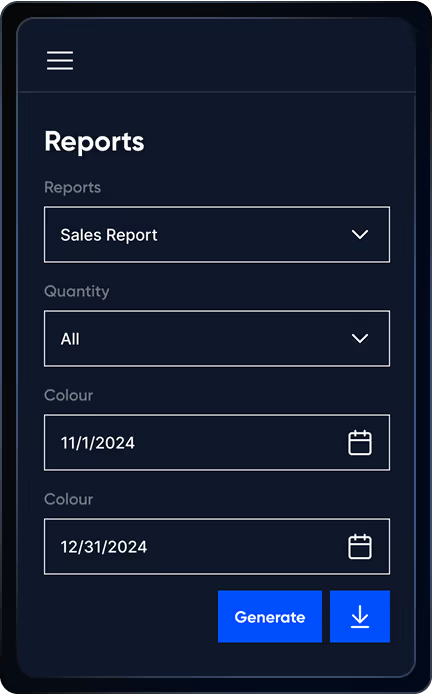
- Run key reports on any date range for one or all of your Print Stores calculated together.
- Built-in integrations to Google Analytics 4 and Google Tag Manager to track user data.
- Drop in any 3rd party tracking scripts from popular apps.
- Set of included reports exported to excel or via Enterprise API.
Product order data — anywhere
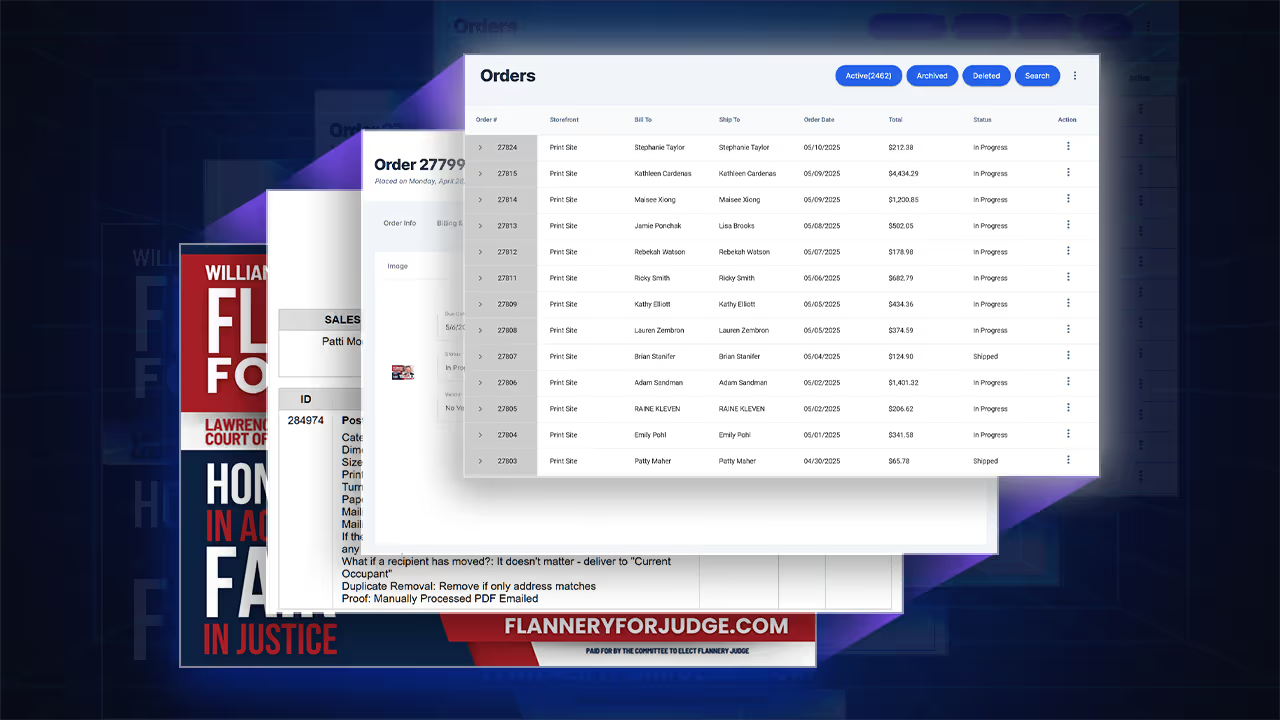
Your complete order management system from PrintNow. Streamline sales and order fulfillment — see what to look for in print order management software.


- Manage orders across all Print Store deployments.
- Automate order processing via Enterprise API, Zapier, or XML methods.
- Custom email notification system for order status updates.
- Workflow admins can easily view assigned orders, update status, and access history, keeping projects on track.
- Integrate with MIS and print automation systems.
Engine made easy — for you and all users
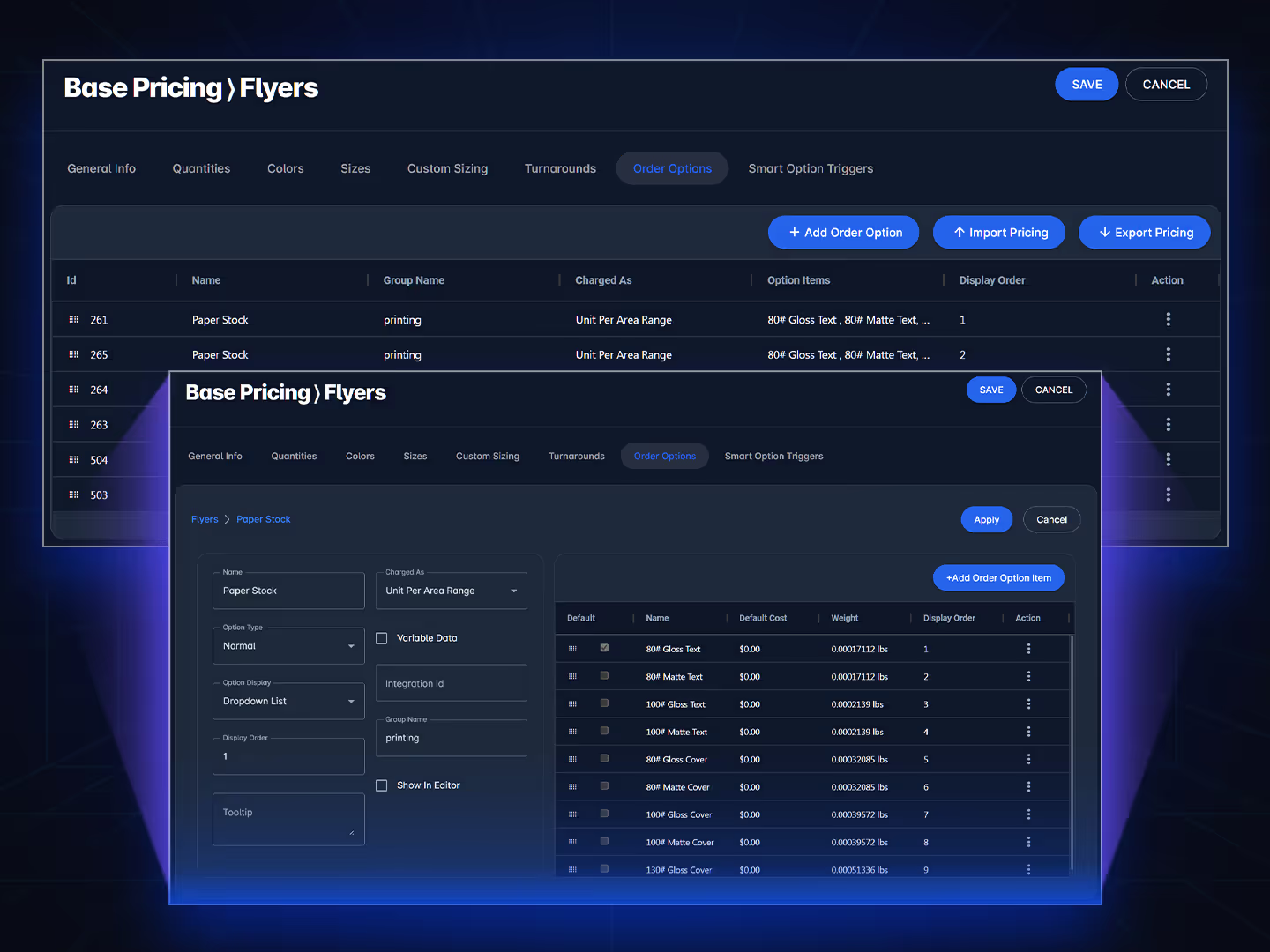
Configure a pricing engine for each unique product category
Developing a custom pricing engine is a streamlined process that provides maximum ease of use for you and your customers.
- To begin, create a general profile to determine your base pricing.
- Set your available quantities and display options.
- Create your printed sides and page counts.
- Configure both standard size offerings and custom sizing configurations.
- Build custom turnaround options into your pricing engine to increase profits.
- Populate custom order options such as paper stock, proofing, mailing, and other finishing choices, and provide precise pricing for each.
- Per item, flat charge, percentage, flat charge + percentage, per square unit, unit per area range, square unit per area range, per linear unit are some of the charge as types.
- Activate smart option triggers to incorporate conditional logic, enhancing front-end calculators for complex products.
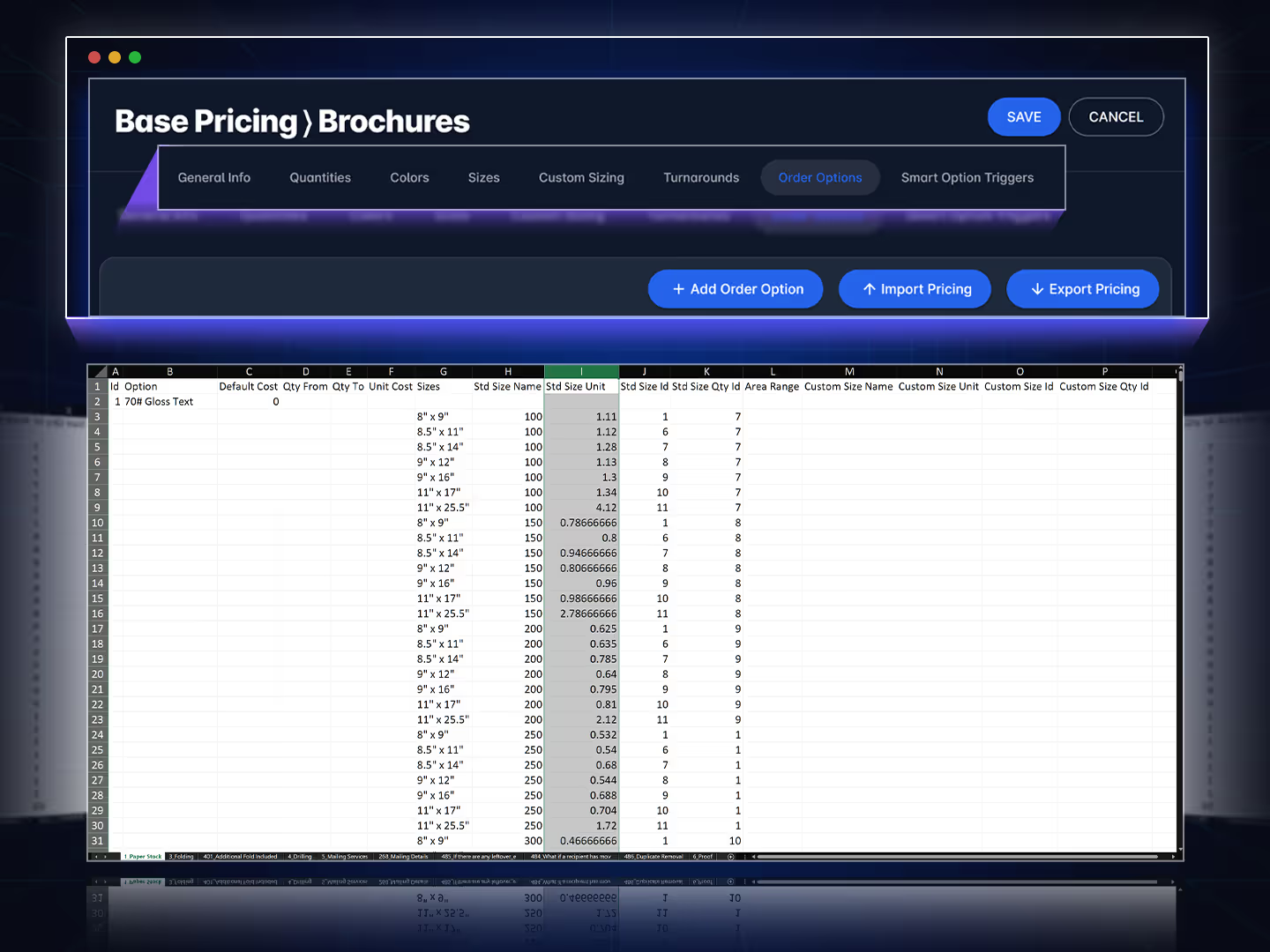
Easily export and import your pricing in Excel
Excel can also save time and resources by reducing the need for manual updates.
- PrintNow allows for manual pricing updates in the Unified Admin tables as well.
- Clone pricing engines for other similar pricing categories and edit as new.
- Save your pricing for import into other Print Stores or share pricing across Print Stores.

“PrintNow gives print providers companies the edge they need in today’s competitive market.”
Paul Borg Jr. · President, Printwell
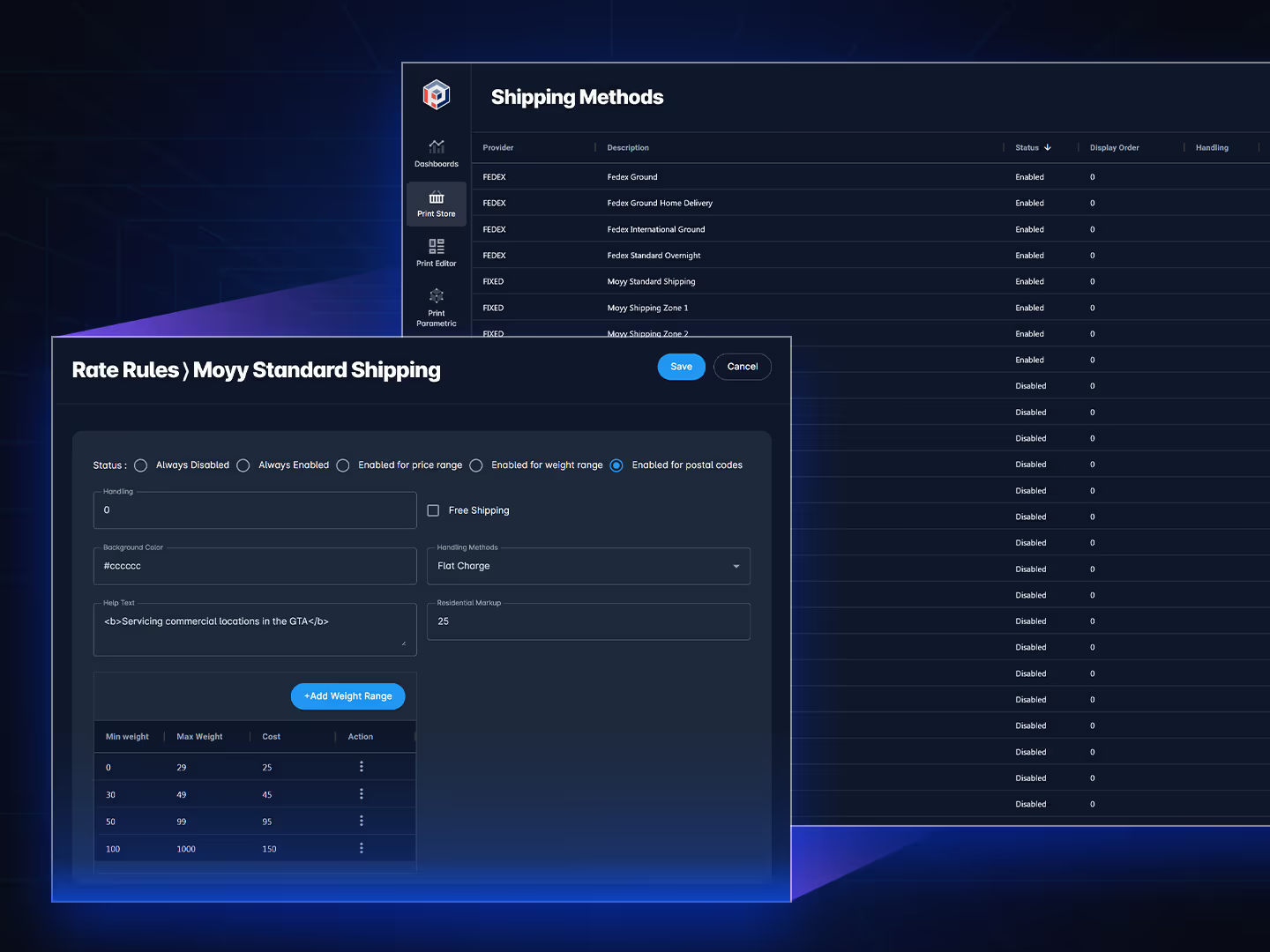
Configure your shipping methods for fixed or live rates
Custom shipping configuration using your account.
- Bulk export and import for configuration and pricing.
- Integrated real-time shipping rates from (FedEx, UPS, & USPS).
- Flat rate shipping options per order by (price range, weight range, and postal codes).
- Weight entry at base price and order option level.
- Shipping box max weight.
- Supports adding handling charges.
- Enable or disable available shipping methods.
- On-site order tracking from customer accounts and emails.
- Shopping cart with tax and shipping estimates.
- Calculator before checkout can include shipping estimates.
Manage users & group segmentation
Site Users
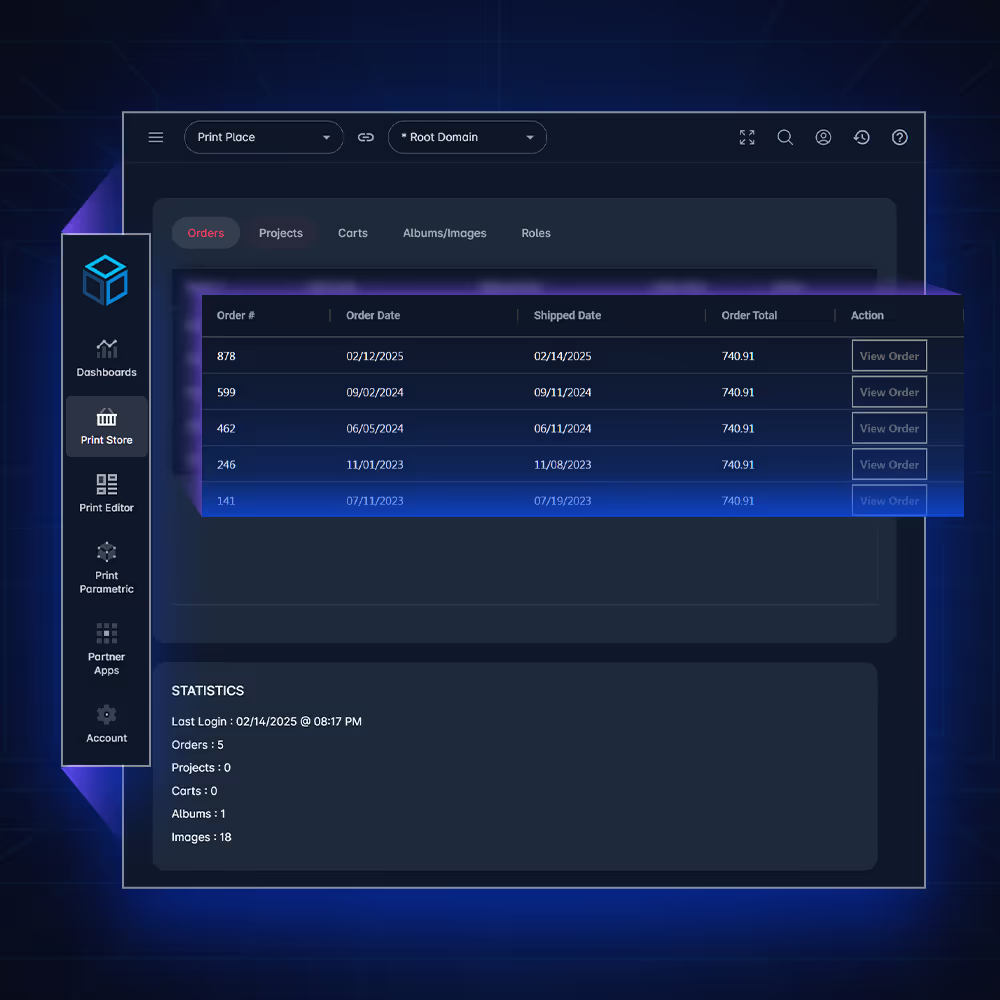
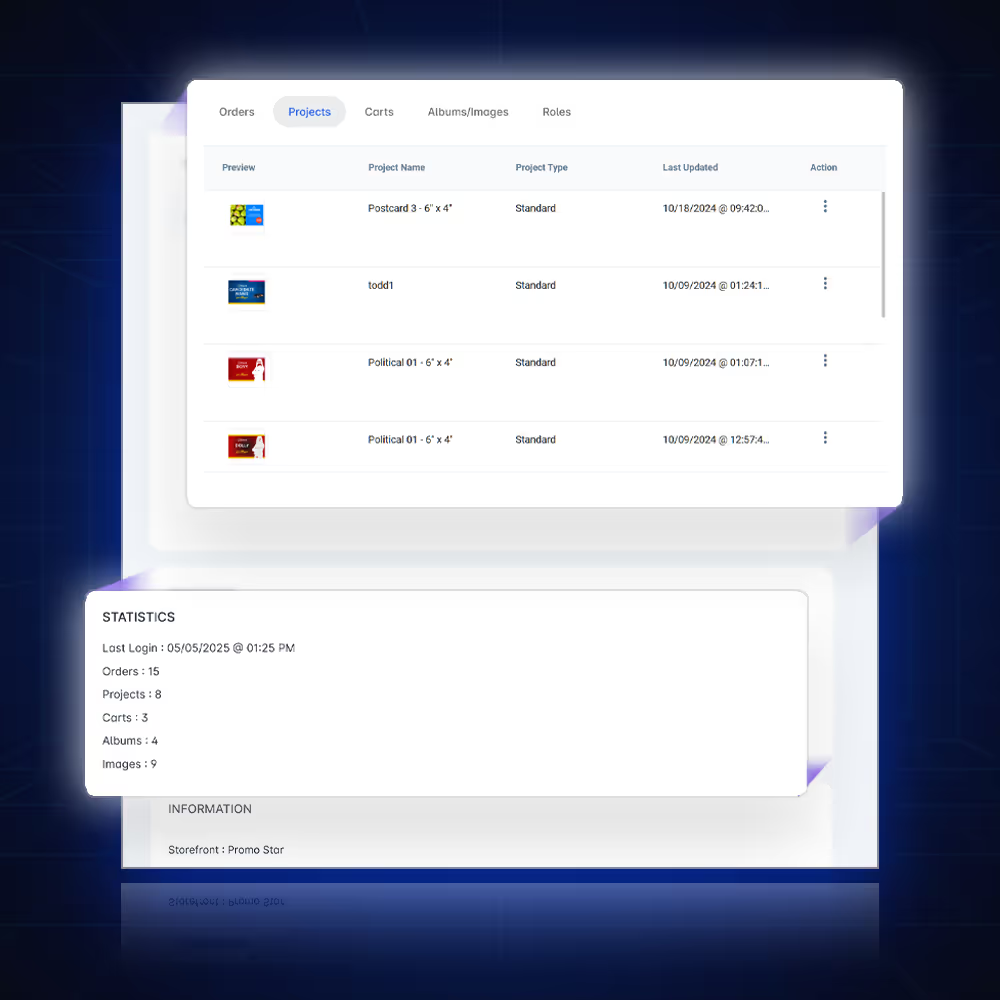
You can review all of your customers and manage your customer information from the site users page of your PrintNow Unified Admin.
- CRM searchable dashboard for all active site users.
- Quick access to orders, projects, and uploads.
- Manage site users projects and carts via Unified Admin.
- View statistics and manage account profiles.
- Accounts can be generated by self registration, manual setup, or via bulk import.
User Group Segmentation
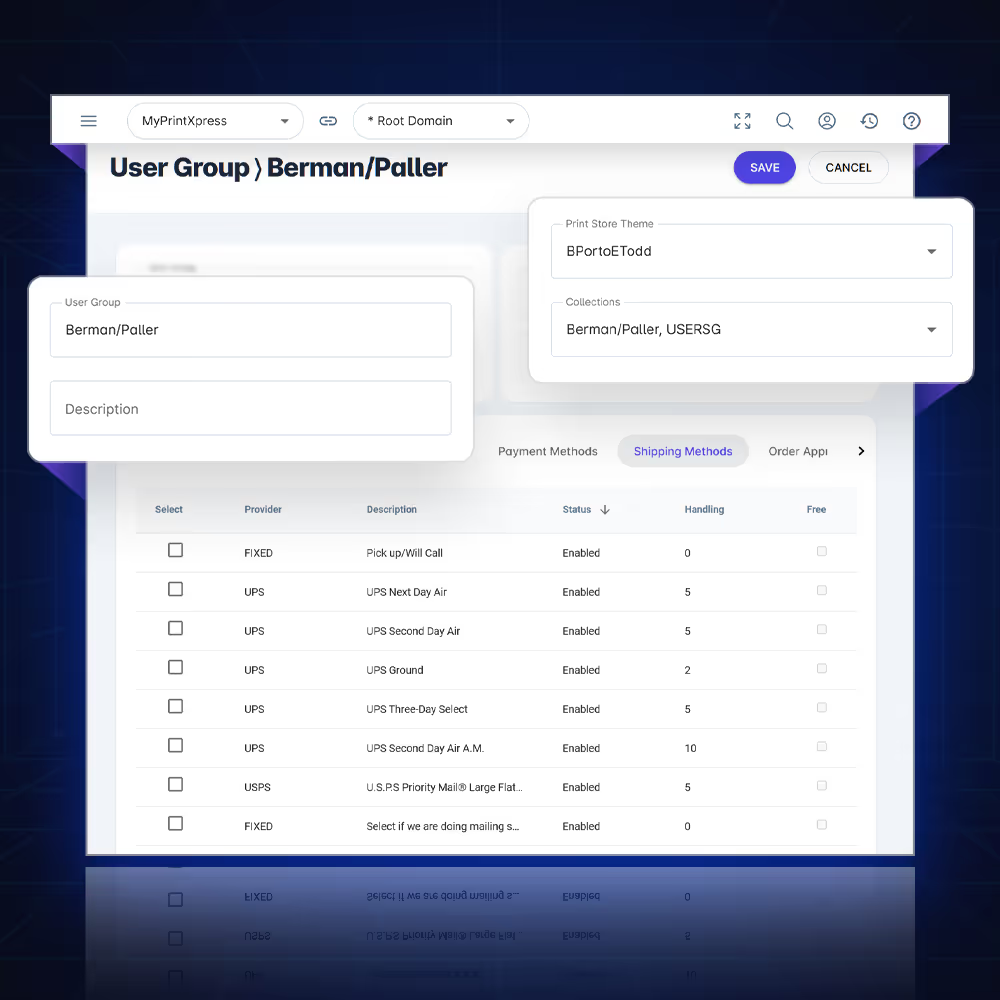
Create custom user groups to segment your customers and deliver tailored experiences.
- Apply custom theme to a user group.
- Attach product collections to a user group.
- Auto-assign user to a user group based on domain.
- Attach autofill profiles by user group.
- Define custom checkout fields by user group.
- Require order approvals by user group.
- Define payment methods by user group.
- Apply discounts to a user group.
- Assign address profiles by user group.
Unified Admin Users
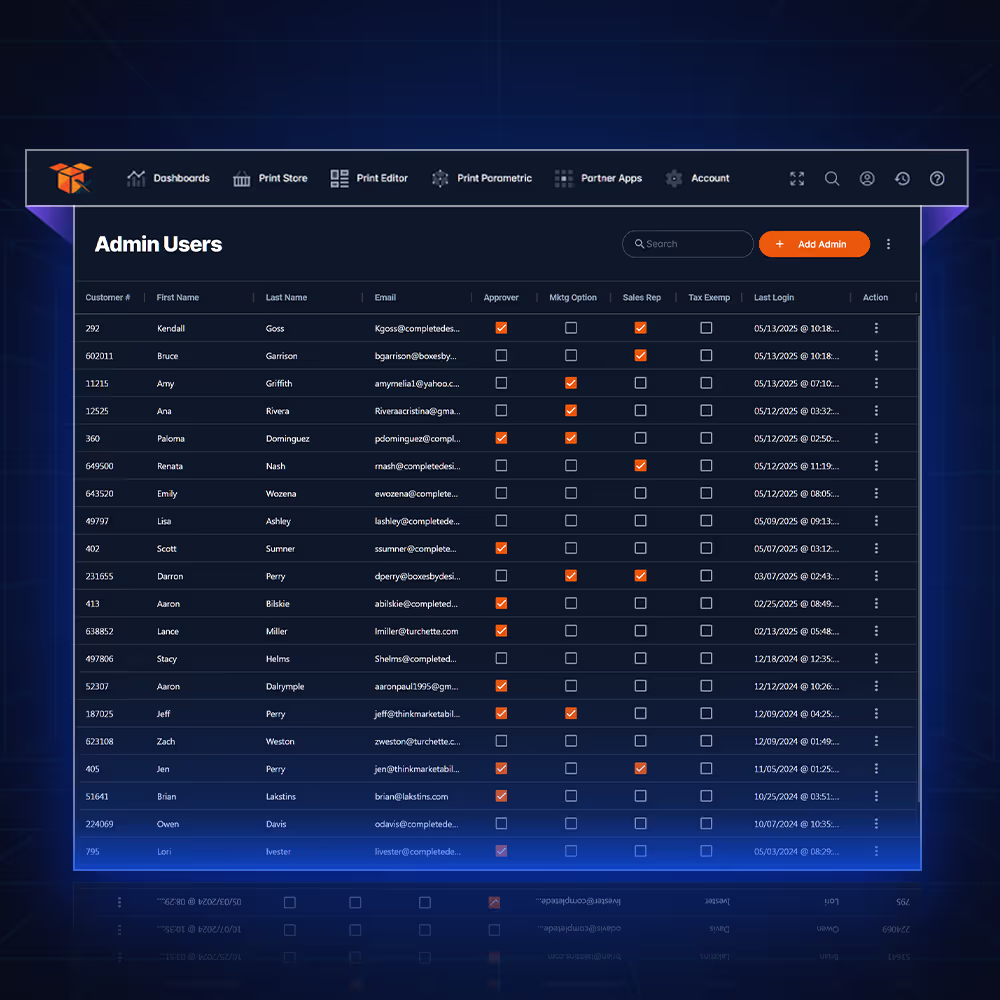
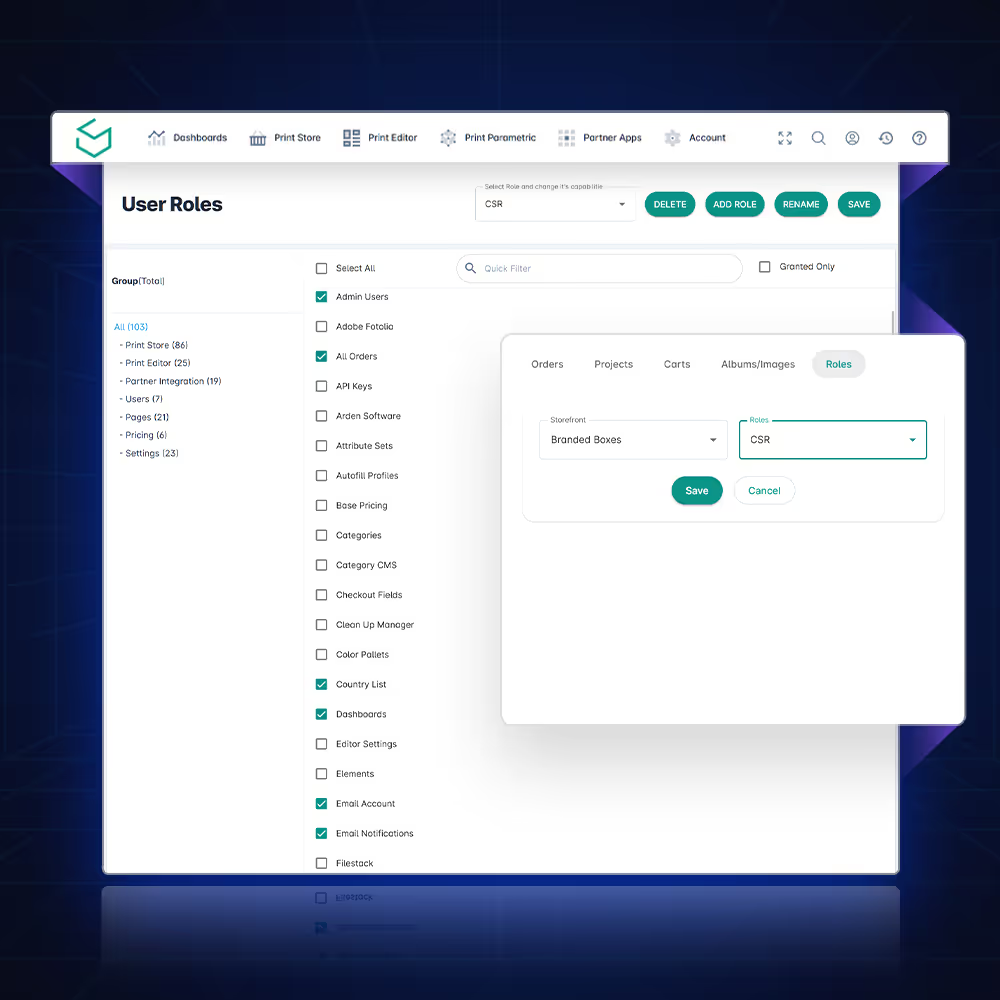
To allow your staff members access to help you to run your stores, you need to give them user roles to access specific parts of your Unified Admin deployments.
- Searchable dashboard for all active admin site users.
- View statistics and manage account profiles.
- Create customized user roles to restrict staff access within the Unified Admin for different deployments and individual pages within each deployment.
User Admin Roles for both your staff admins & customers
Customize access control for staff admins and partners across all deployments.
- Create custom user roles to restrict staff access within the Unified Admin for specific deployments and pages within each deployment.
- Extend access to the PrintNow Unified Admin for your partner Print Stores you manage on your deployments.
- Access the activity log that tracks all edits within the Unified Admin.
Visual tools to deploy custom themes
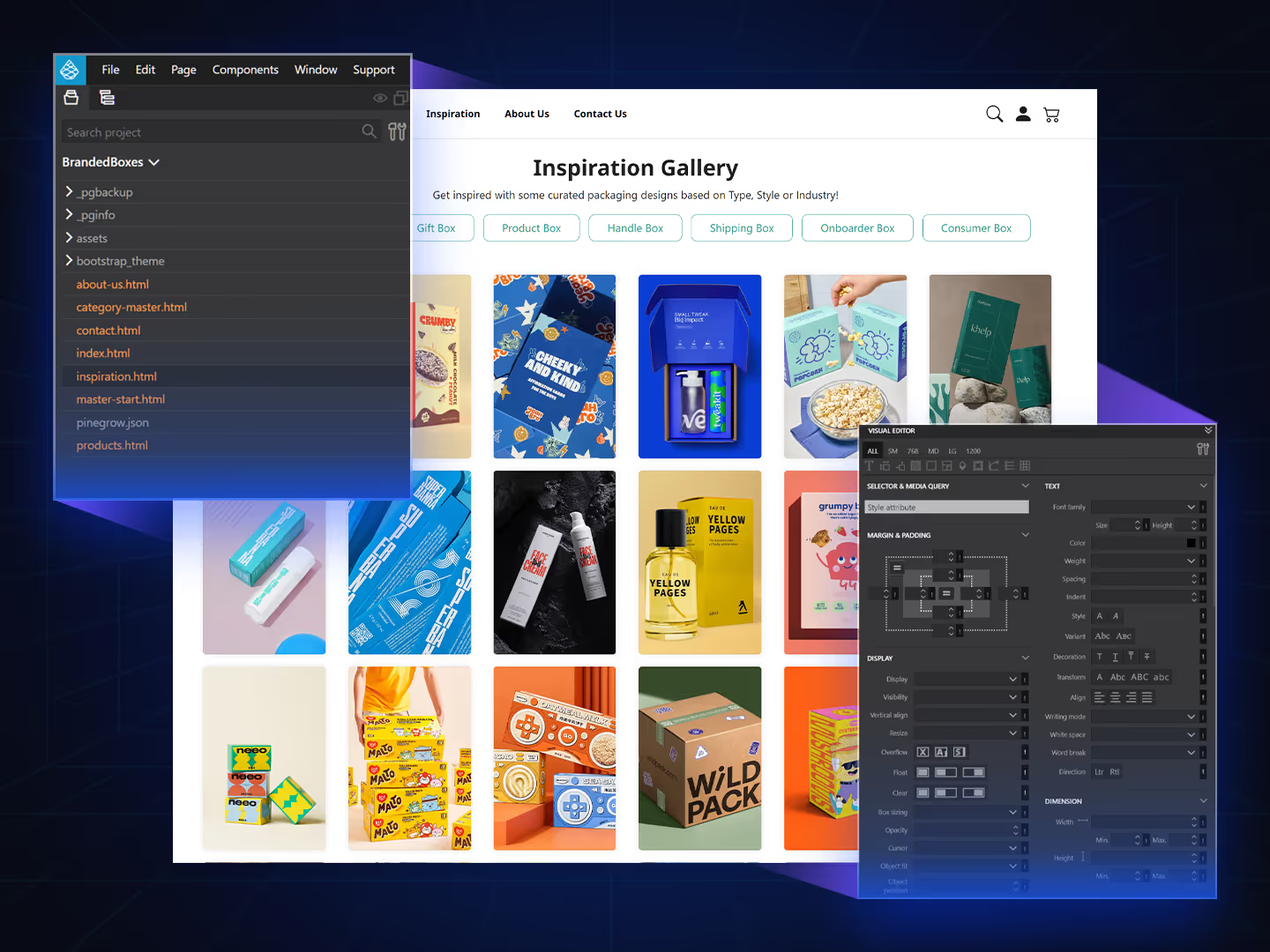
Design offline with visual tools & build custom themes
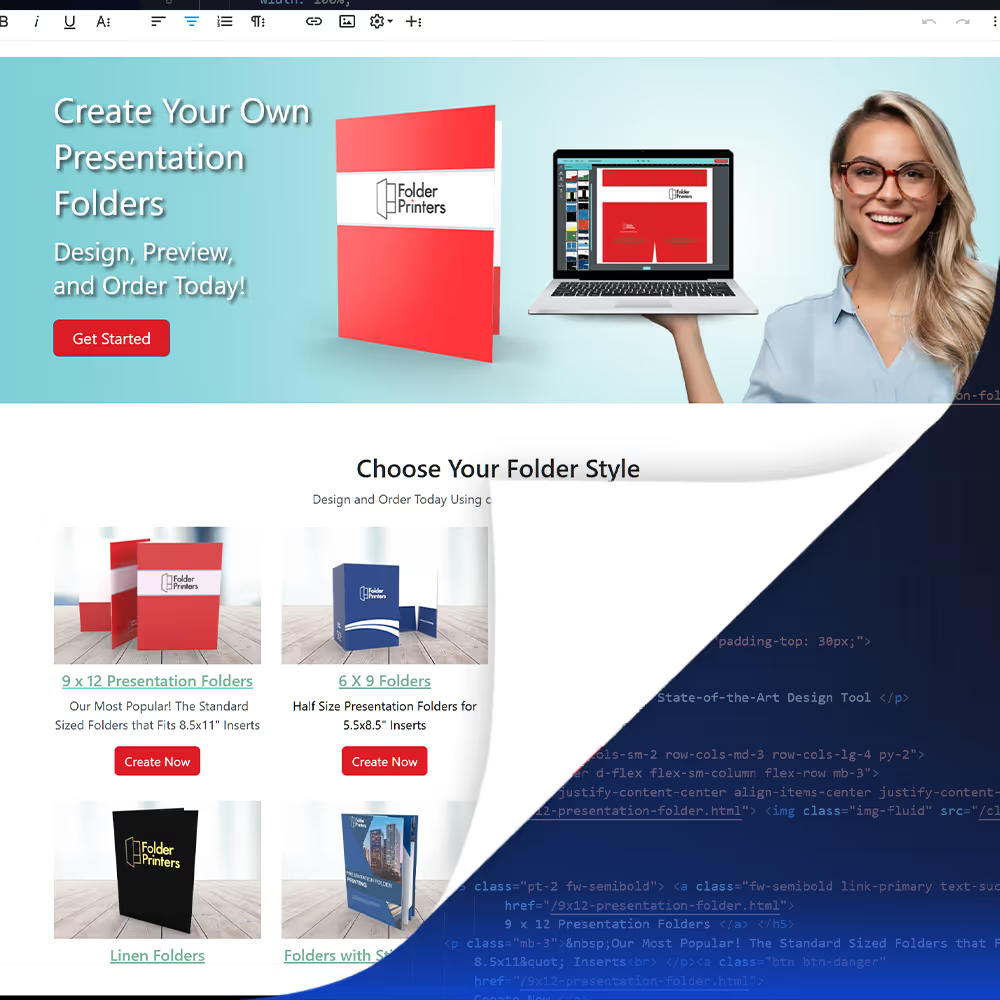
Create responsive websites using the Bootstrap framework and visual tools.
- Work faster with HTML, CSS / SASS, and Bootstrap in a low code workflow.
- Purchase ready-made HTML themes or build your own custom one from scratch.
- Integrate basic theme structure from exported code into PrintNow’s master pages and CMS without coding.

“Printing professionals choose PrintNow to gain operational excellence...”
Brad Mabee · Project Coordinator, Branded Boxes
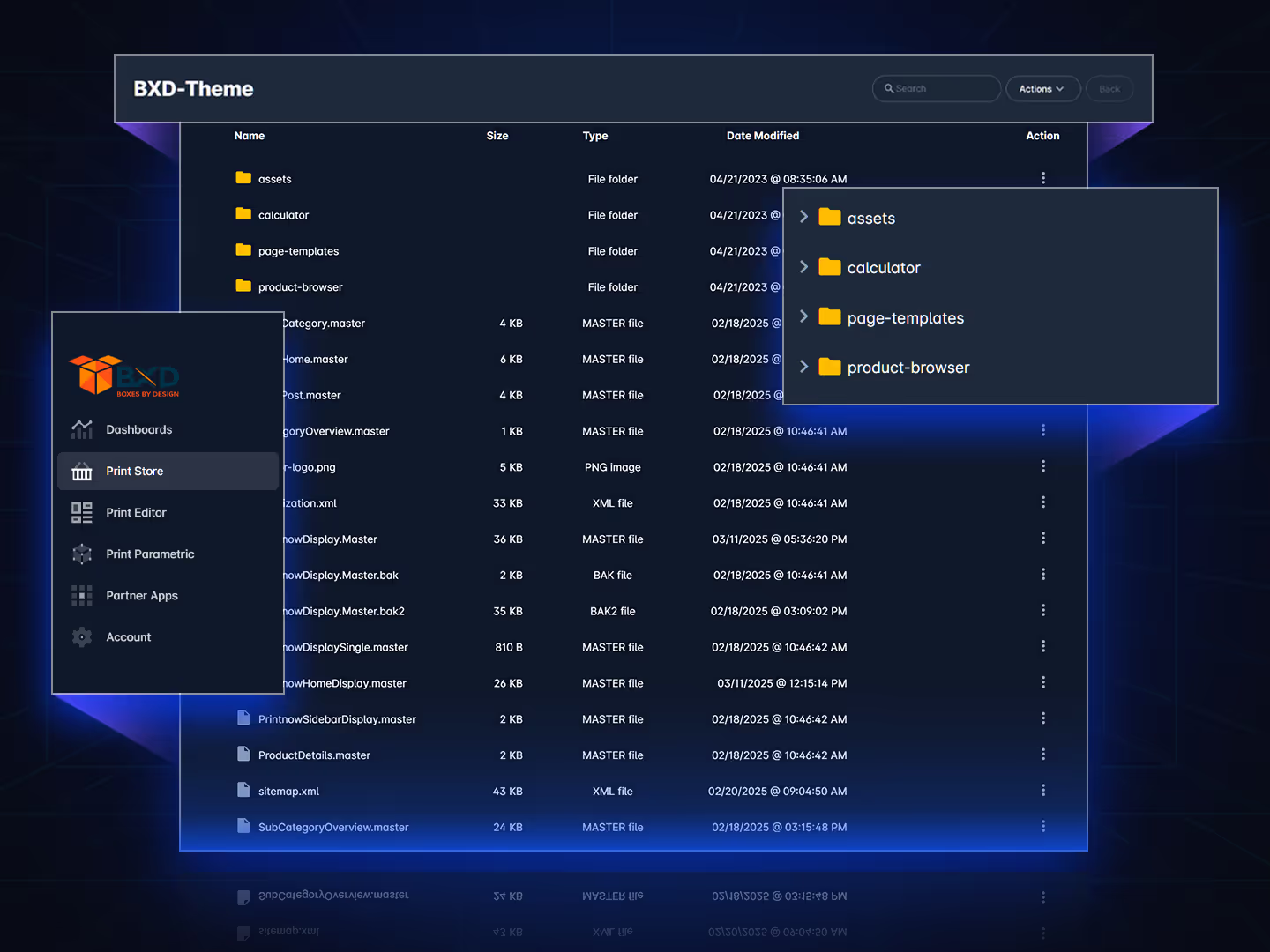
Access your site themes directly in the Unified Admin
Provides root access to all your site themes conveniently from the Unified Admin.
- Create new folders, rename, upload, download, and delete directories and files.
- Displays files sizes and date modified.
- Connect via FTP alternately.
Use the built-in code editor, redefined and optimized
Paste code provided by offline visual code builders in the code editor without coding.
- Line numbers are displayed with easy page navigation controls.
- Find and replace and go to line number key commands.
- Use IntelliSense for faster and more efficient code editing.
- The color picker UI is now available in HTML style sections.
- Move the mouse over HTML tags or embedded styles and JavaScript to get more MDN reference information.
- You can fold regions of source code using the folding icons on the gutter between line numbers and line start.
- To improve the formatting of your HTML a source code beautifier is built in.
Content management — made flexible & smart
Deploy your product collections to sell & grow
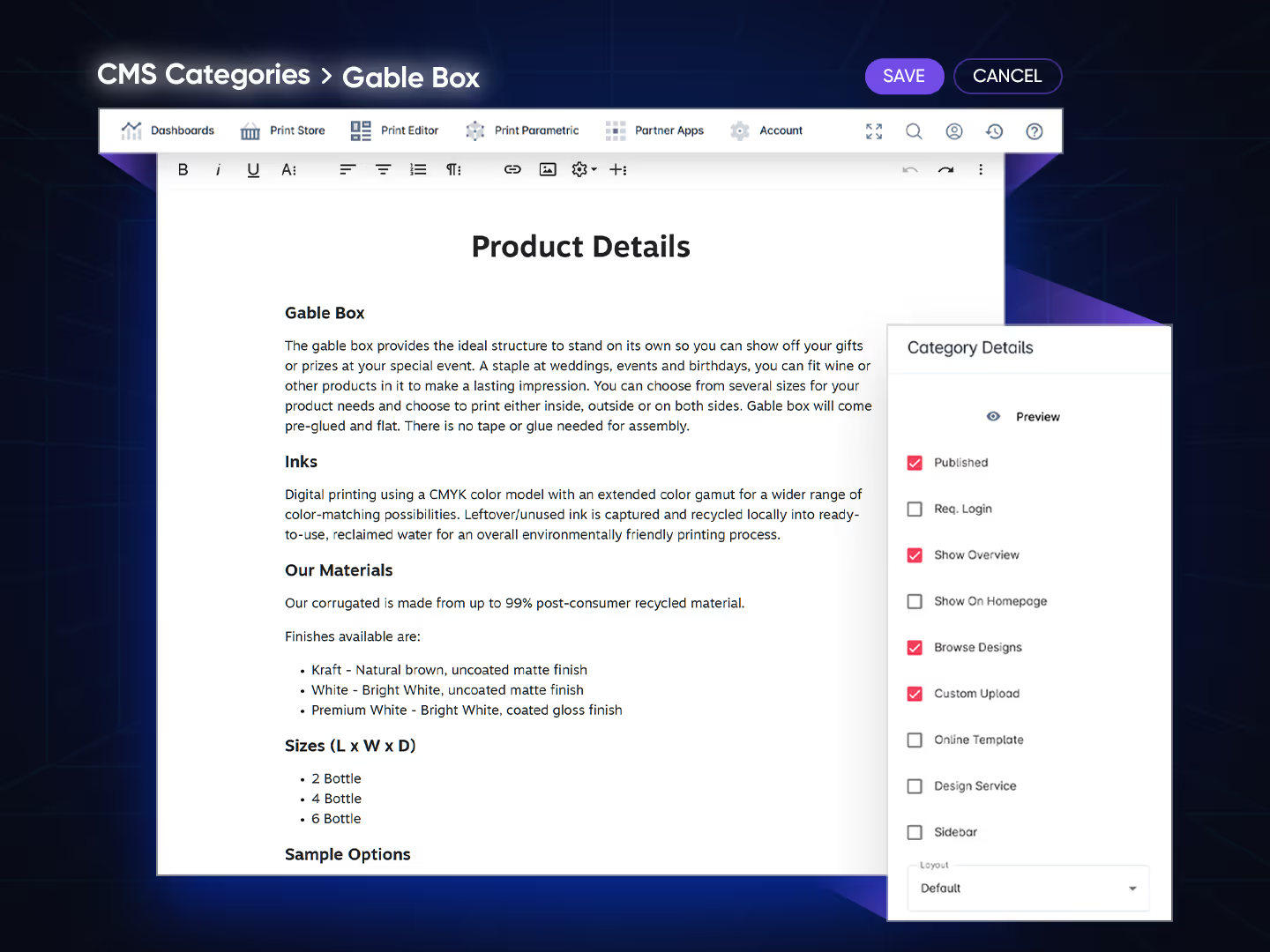
Create category product landing pages
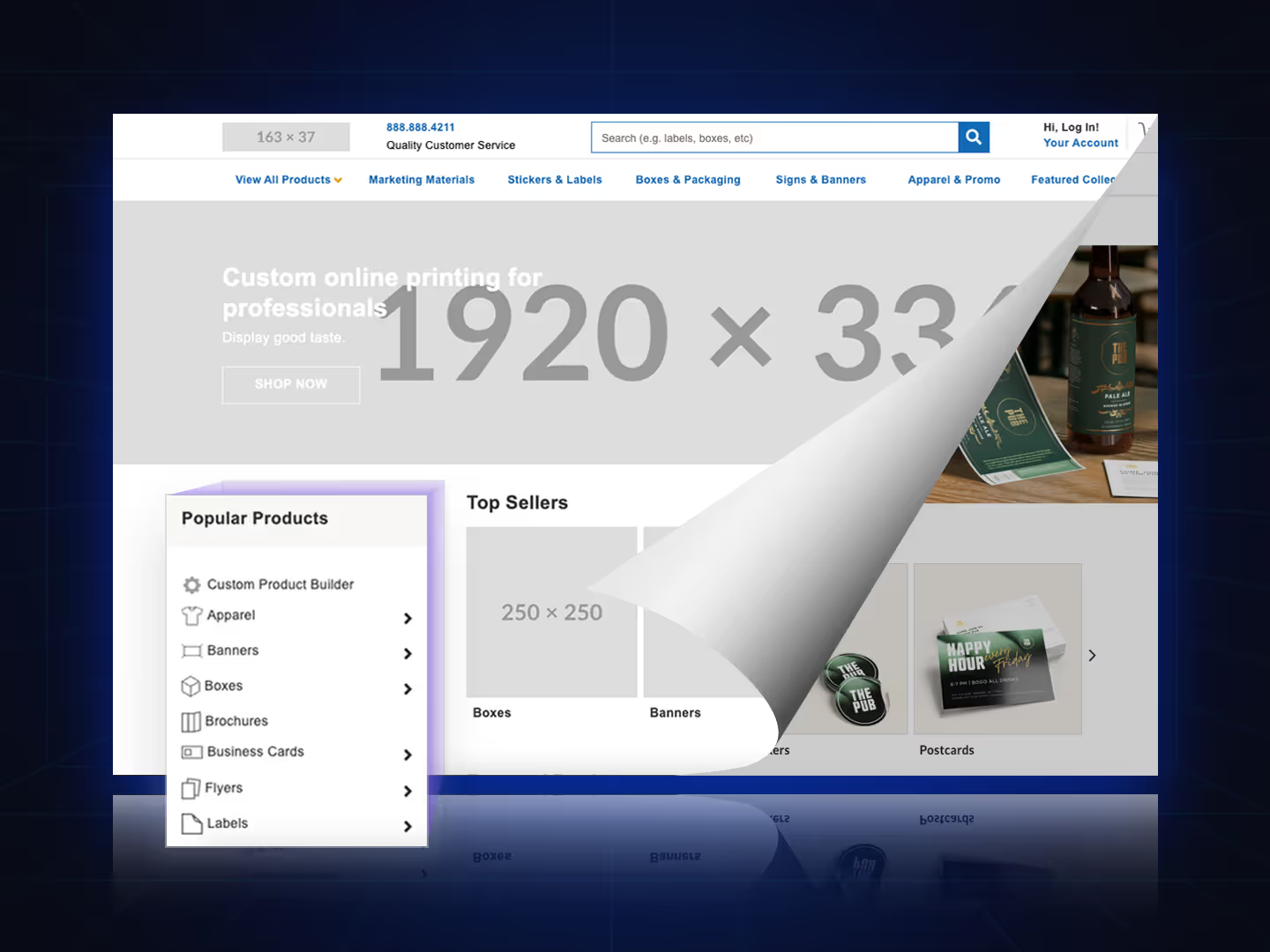
Modify the category master template to update the layout and data controls to match top online print solution strategies.
- Upload persuasive imagery with controls that support multiple images.
- Add extended content data placeholders to dynamically control your custom content.
- Easily add new categories manually or in bulk within PrintNow.
- Drop in your content and build out your pages with detailed information.
- Make your call to action prominent and clear and enable your available buttons.
Add both add-to-cart items and customizable template products
Easily add new products manually or in bulk within PrintNow.
- Setup product information, price mappings, & product numbers.
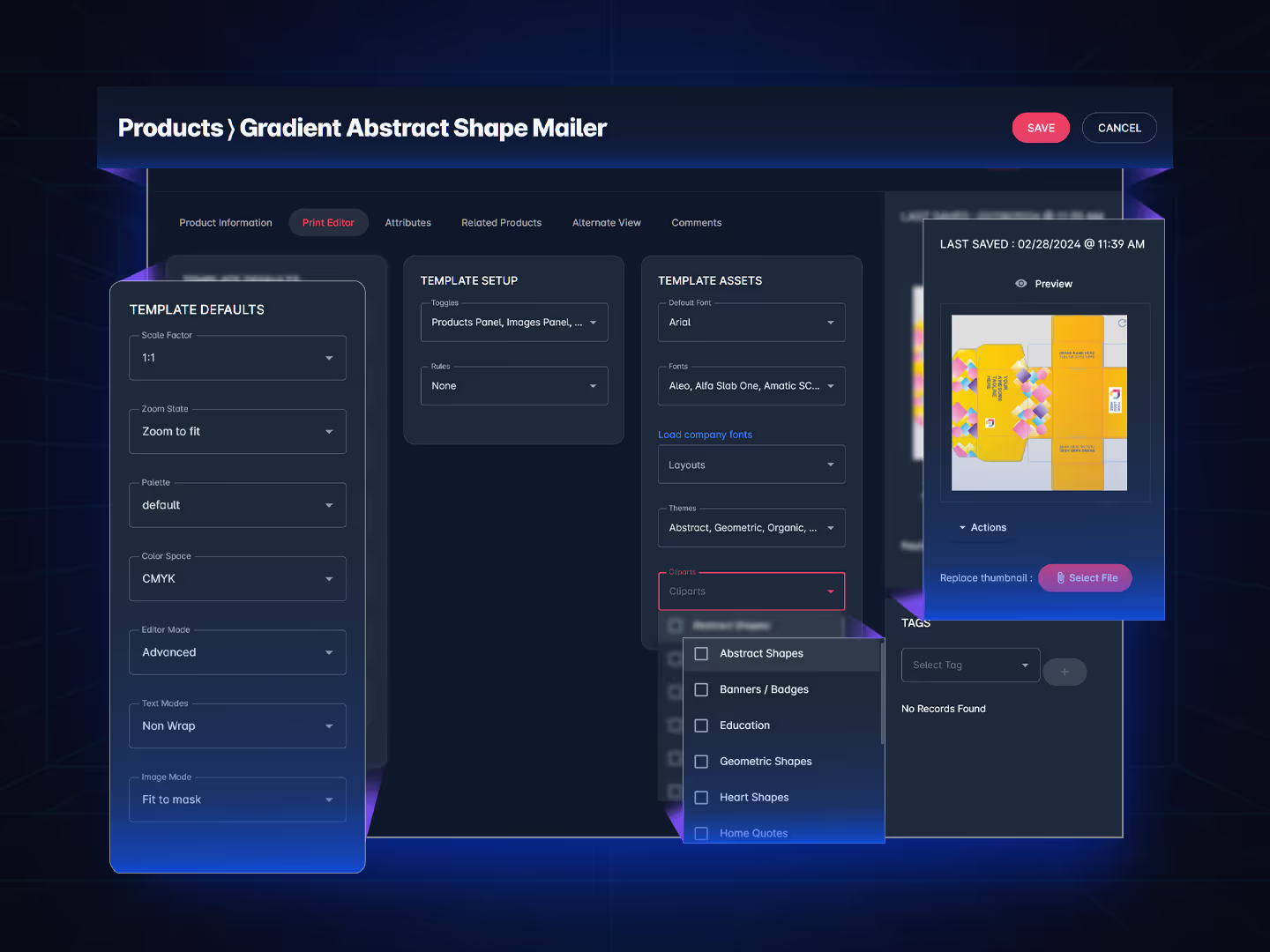
- Configure customized template defaults, toggles, rules, and asset libraries.
- Enable Attributes that will allow end users to filter items on Print Stores.
- Assign related products that will help the end users navigate your product options.
- Upload custom product thumbnails or use the auto generated template version.
Organize unique product collections
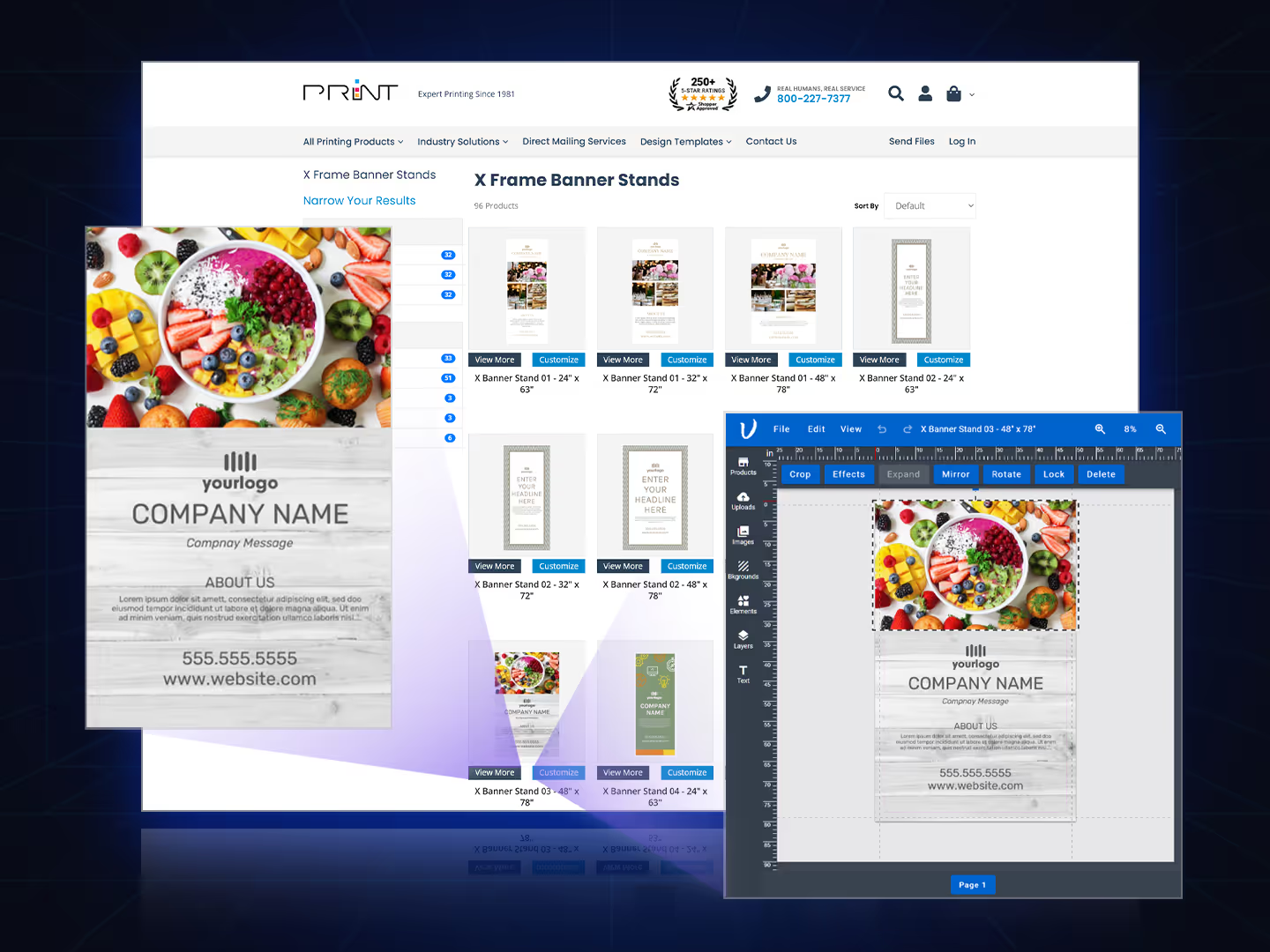
Easily create collections for both products and category overview pages with a pricing calculator.
- Use Organization or User Groups to assign collections.
- Assign product collection(s) to user group “retail” for non-logged-in users or when no user group is specified.
- Collections override all standard product-specific assignments by design.

“As a loyal PrintNow customer in Honolulu for over 10 years...”
Sanford Morioka · Press Supervisor, Edward Enterprises
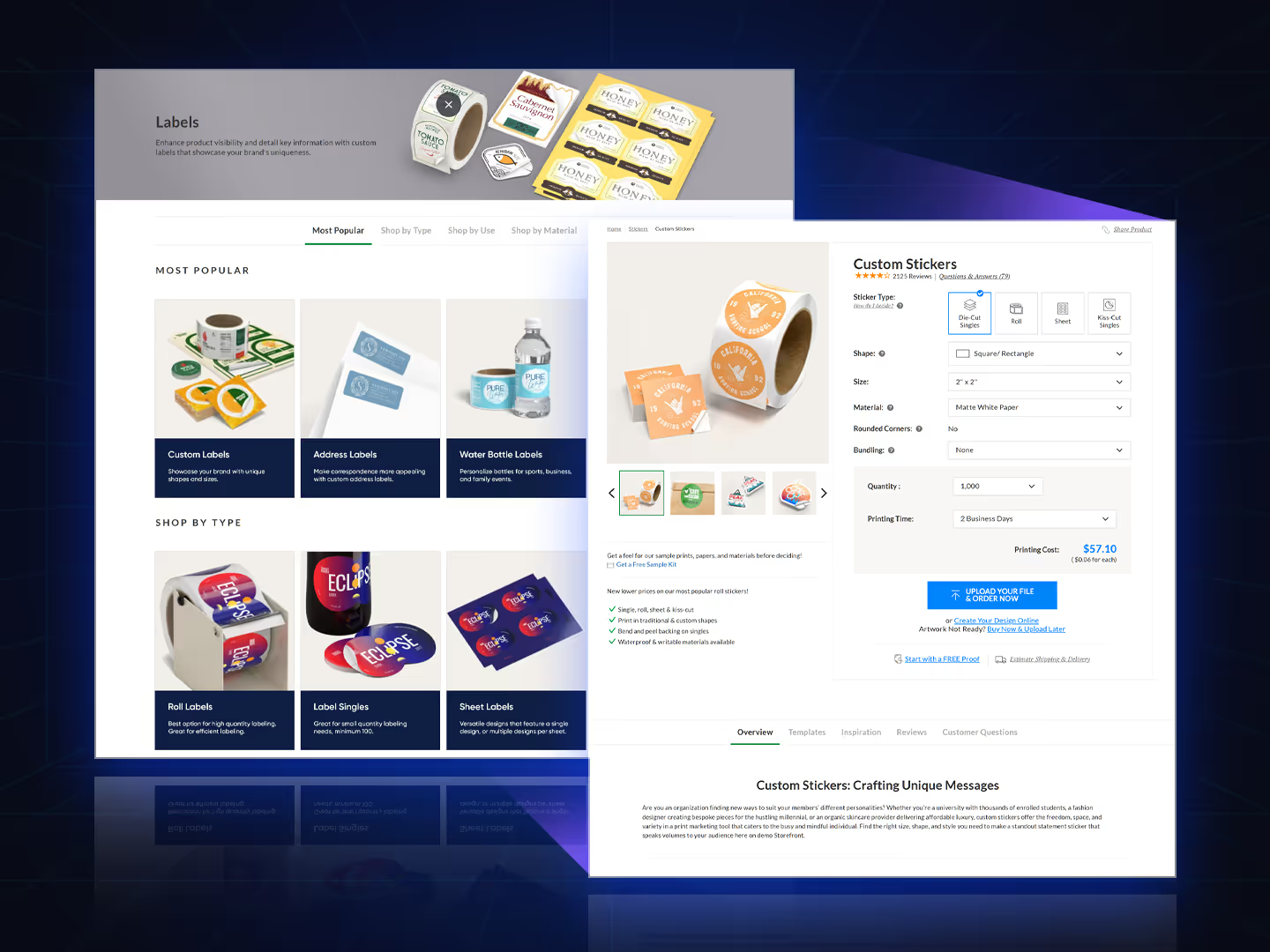
Built in ecommerce — customizable checkout
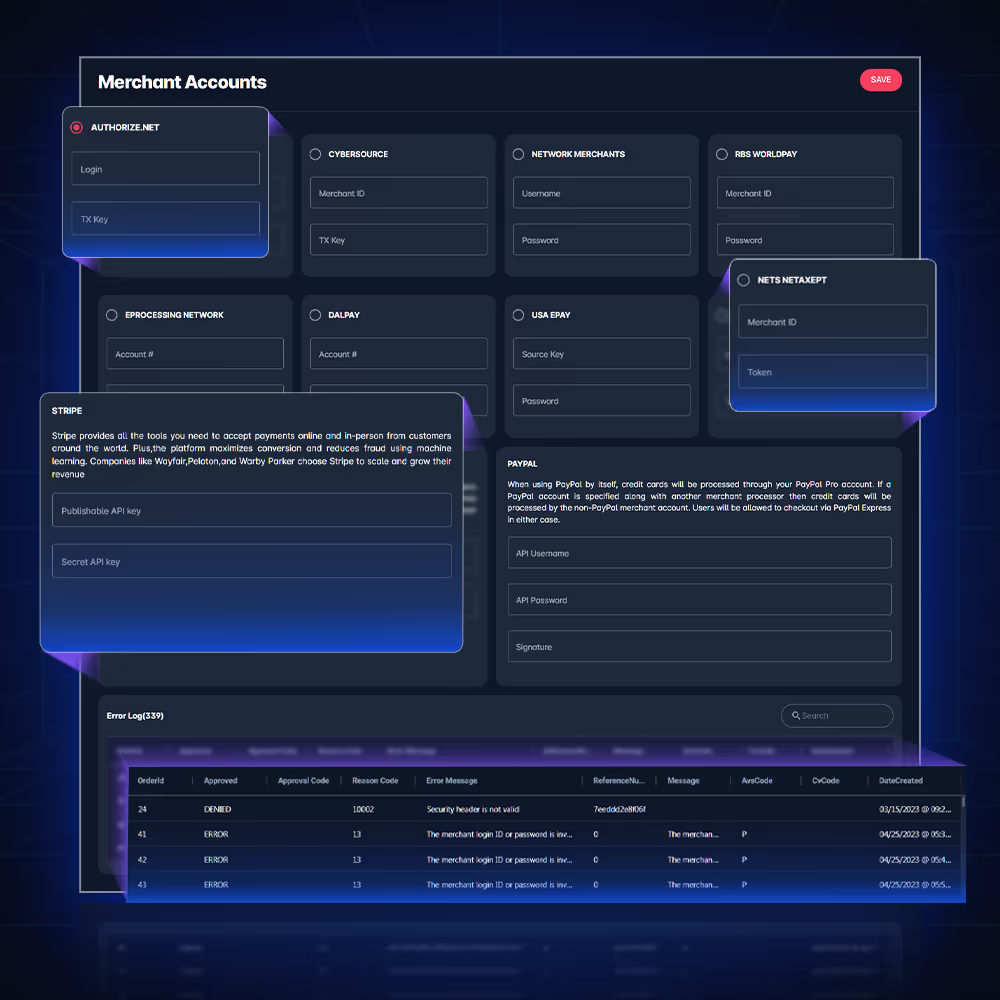
A series of tools to stay productive at work
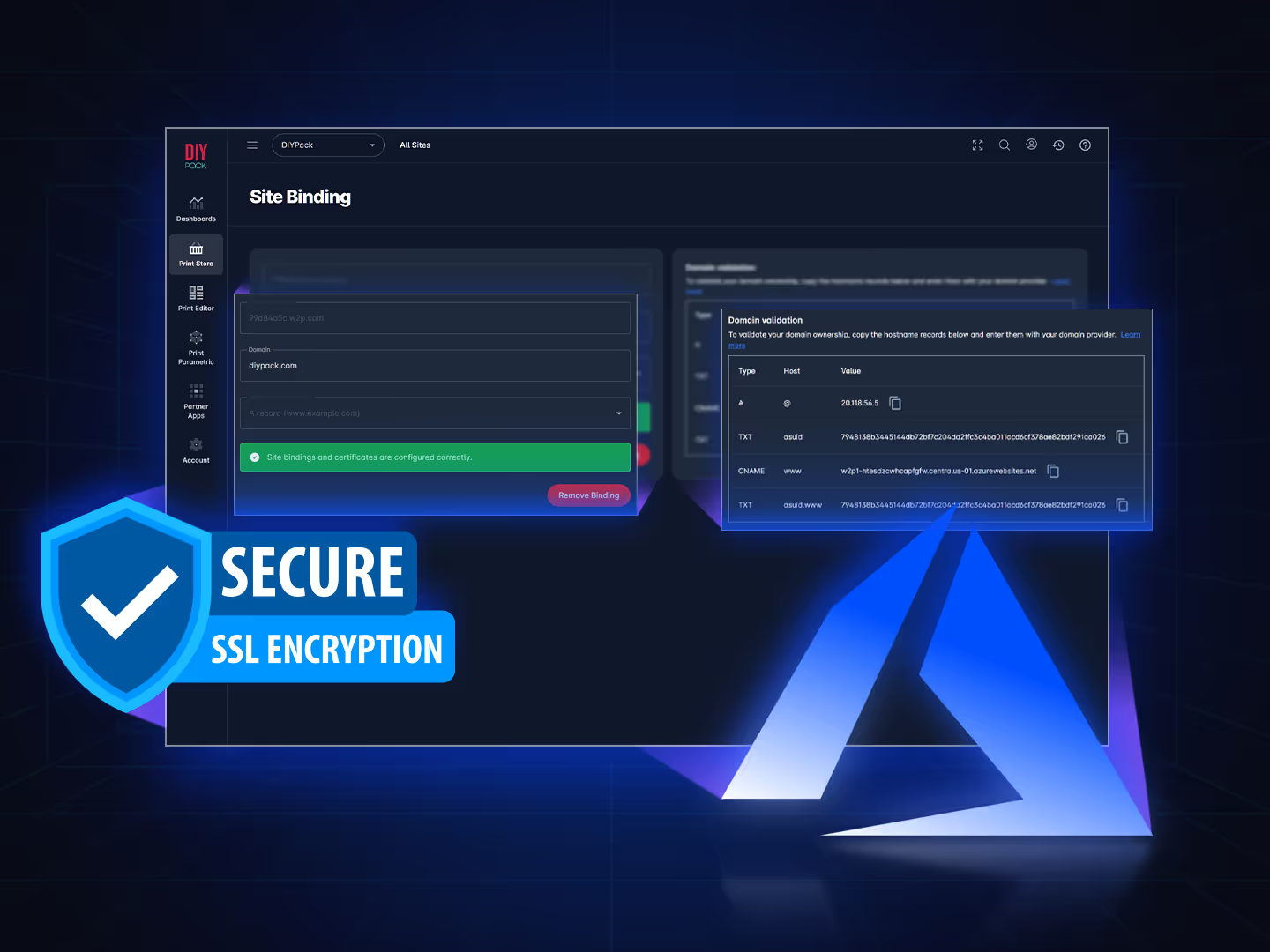
Add your custom site bindings and free SSL certificates
Secure your sites with SSL certificates managed directly from the Unified Admin.
- Generate CSR request within site bindings.
- Upload purchased SSL certificates as PEM, CRT, or PFX formats for activation.
- Enable Let’s Encrypt that is a free, automated, and open certificate authority (CA) to enable HTTPS (SSL) on your stores.
Configure and maintain FTP account access
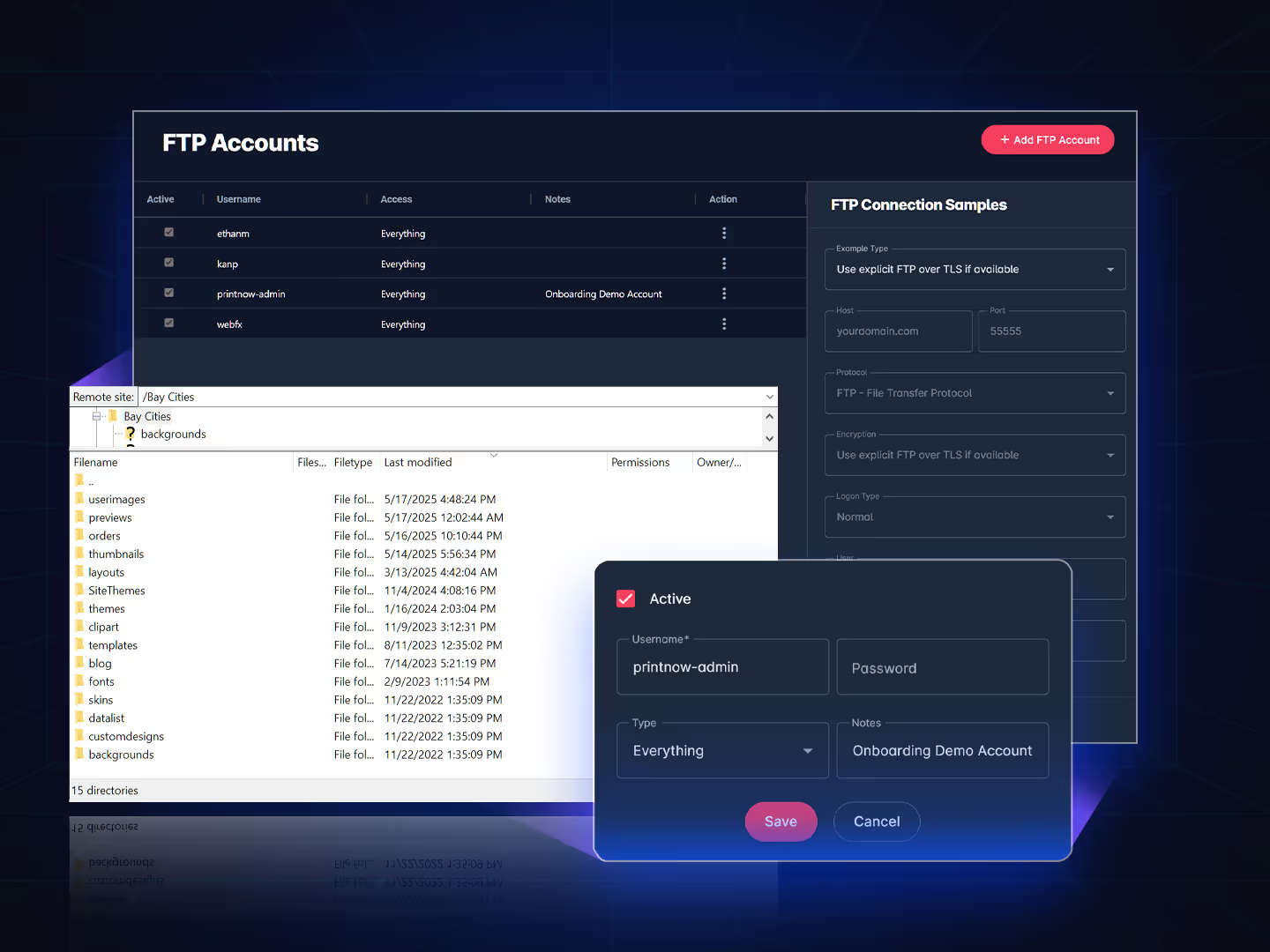
Create FTP accounts to allow access to the root installation of PrintNow or restrict access to Orders, All site themes, or specific site themes.
- Add FTP accounts within Unified Admin.
- Uses explicit FTP over TLS if available.
- Create user credentials and access roles to: Root, Orders, Site Themes, or a specific Site theme you specify.
- FTP connection samples is specified for you to connect with FTP client like FileZilla.
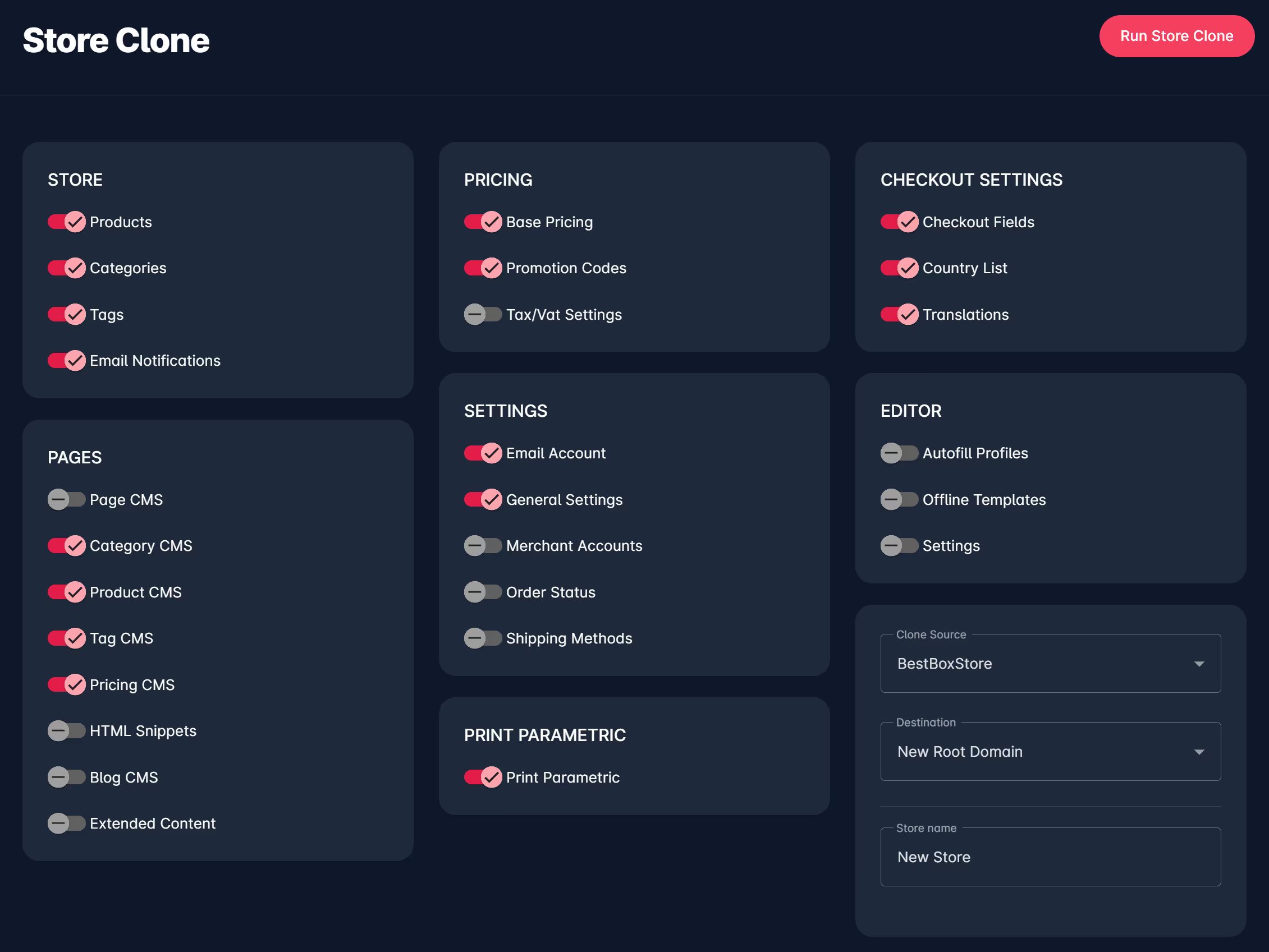
Use store clone for rapid deployments or site redesigns
New store clone copies any existing Print Store to a new root domain or subdomain.
- Clone Store: products, categories, tags, email notifications.
- Clone Pages: pages, categories, products, tags, HTML snippets, blogs, and extended content.
- Clone Pricing: Base pricing, promo codes, and tax settings.
- Clone Print CAD: products.
- Clone Checkout: checkout fields, country list, and translations.
- Clone Print Editor: autofill profiles, offline templates, and settings.
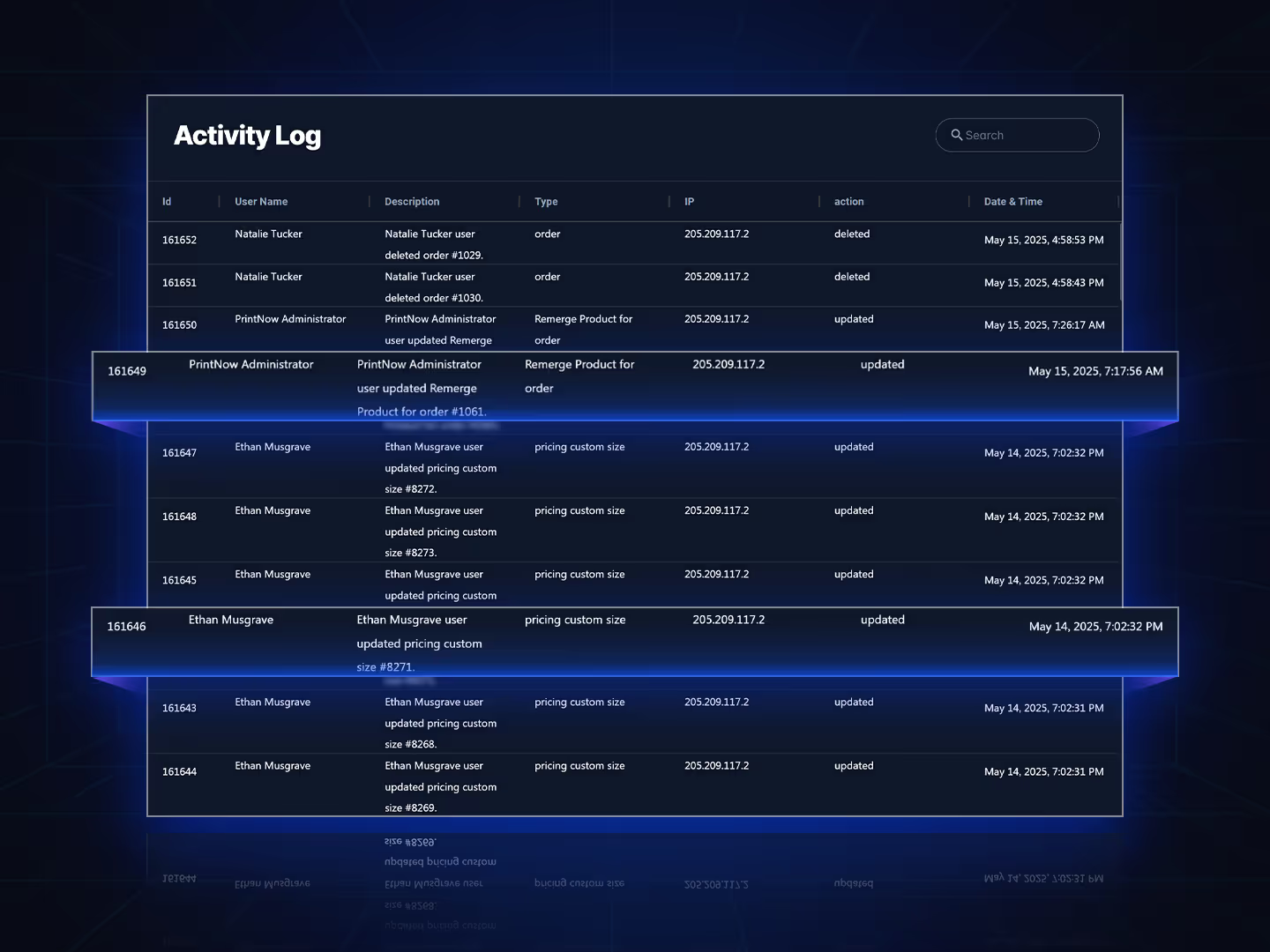
Keep track of system changes with the activity log
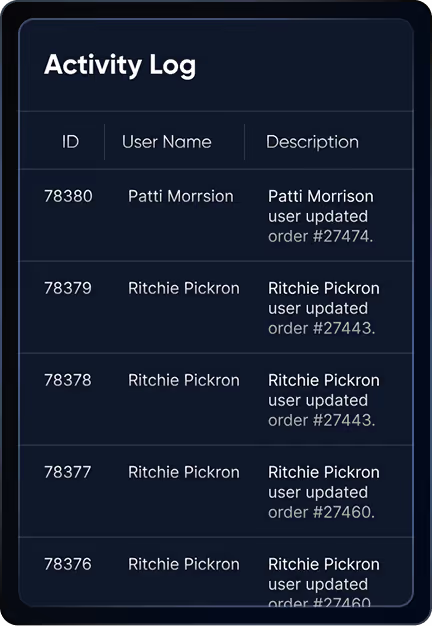
The activity log was created for customers to track staff admin activity generated and posted to PrintNow servers.
- Continuous log of changes that provides ways to filter and search by id, username, description, type, action, and date & time.
- Aims to log activities consistently to ensure comprehensive records.
- Provides specific details about each activity to facilitate accurate analysis.
- Helps PrintNow support track down issues with customer deployments over time.

“PrintNow has been our trusted platform since 2016...”
Joe Kelner · Strategist, Dolan Printing
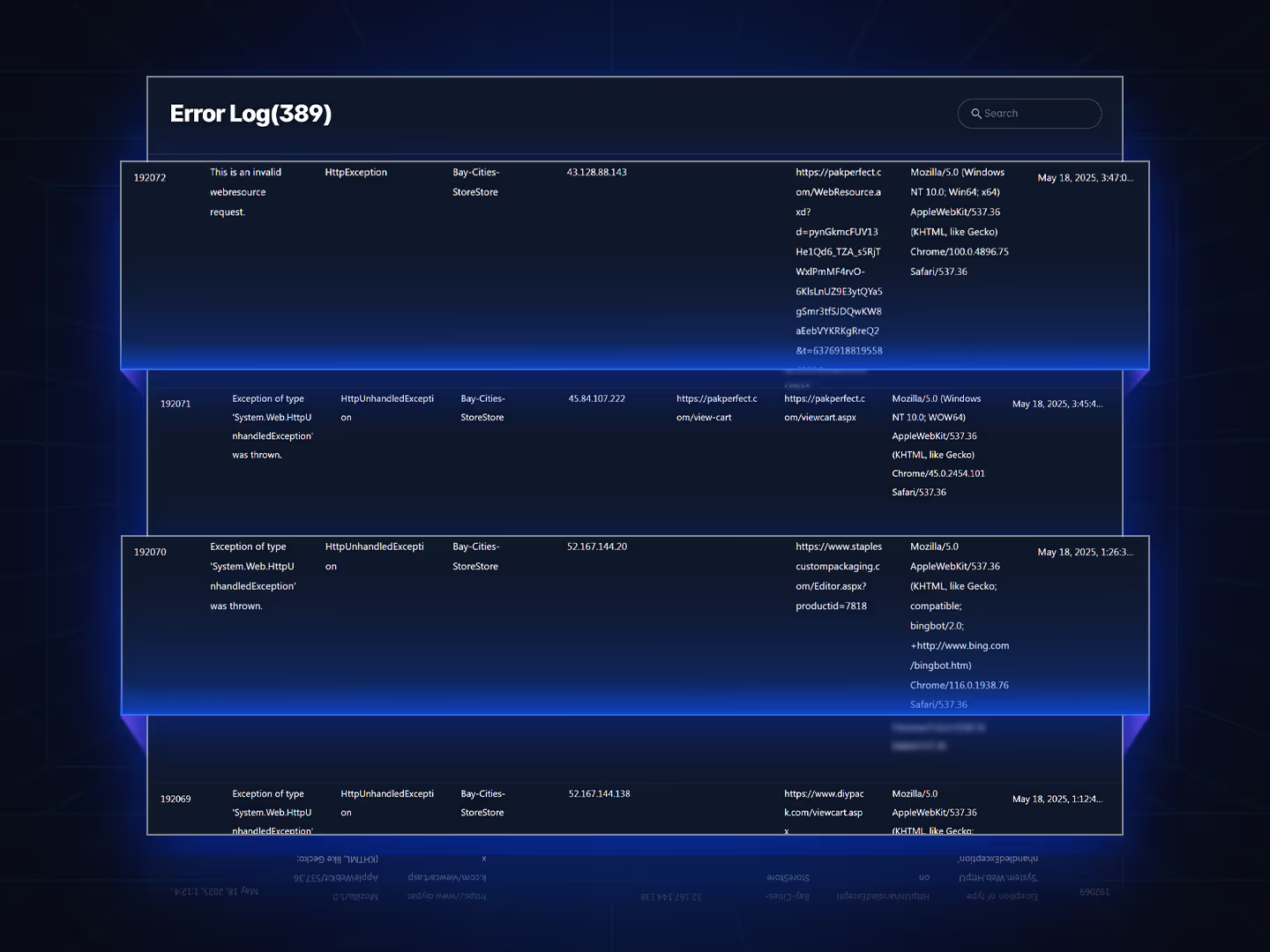
Access the error log to help solve issues with deployments
The error log was created to help customers to track errors generated and posted to PrintNow servers Print Store deployments.
- We show the last 7 days of errors.
- Filter and search by Id, error message, type, app, IP, referrer, URL, User-Agent, & date & time.
- Error logs help reduce the mean-time-to-resolution (MTTR) of your IT environment.
- Can uncover hidden problems and enable teams to take quick, proactive steps, preventing customer complaints.
Centralized solution for all management
Print Store Admin
Your Print Store admin is where you configure all your settings, and streamline multi-store deployments.
Print Editor Admin
PrintNow’s unique creative tools are designed to enhance productivity and creativity for all staff admins.
Print CAD Admin
Structural designs can be managed locally with the Print CAD app and uploaded to PrintNow for all online controls.
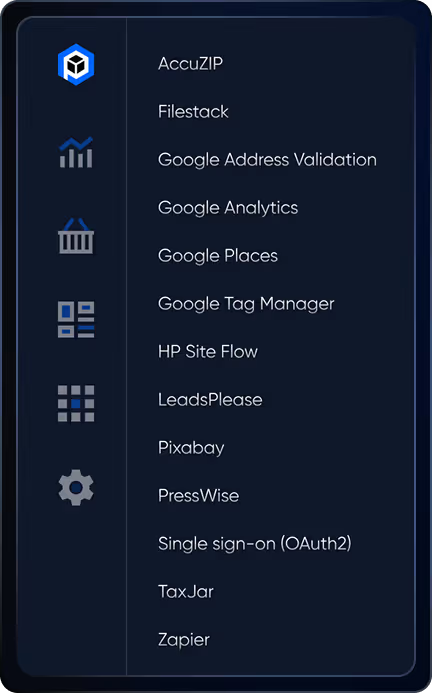
Partner Apps
All partner apps that require credentials or setup are fully integrated.
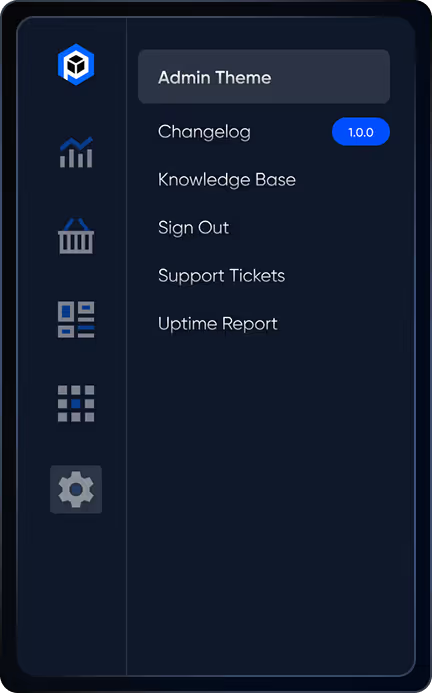
Account Tools
Manage your account and gain access to superior support services.
Supported Browsers
PrintNow supports the latest two versions of all major browsers.
Backups & Duplication
You can export CSV files to back up data & download store themes locally.
Built-in Search
Built-in search to filter all pages, users, and settings in an intuitive interface.
Google Angular Framework
Built from the ground up on a proven framework that is fast and reliable.
Easy template admin workflow all built-in
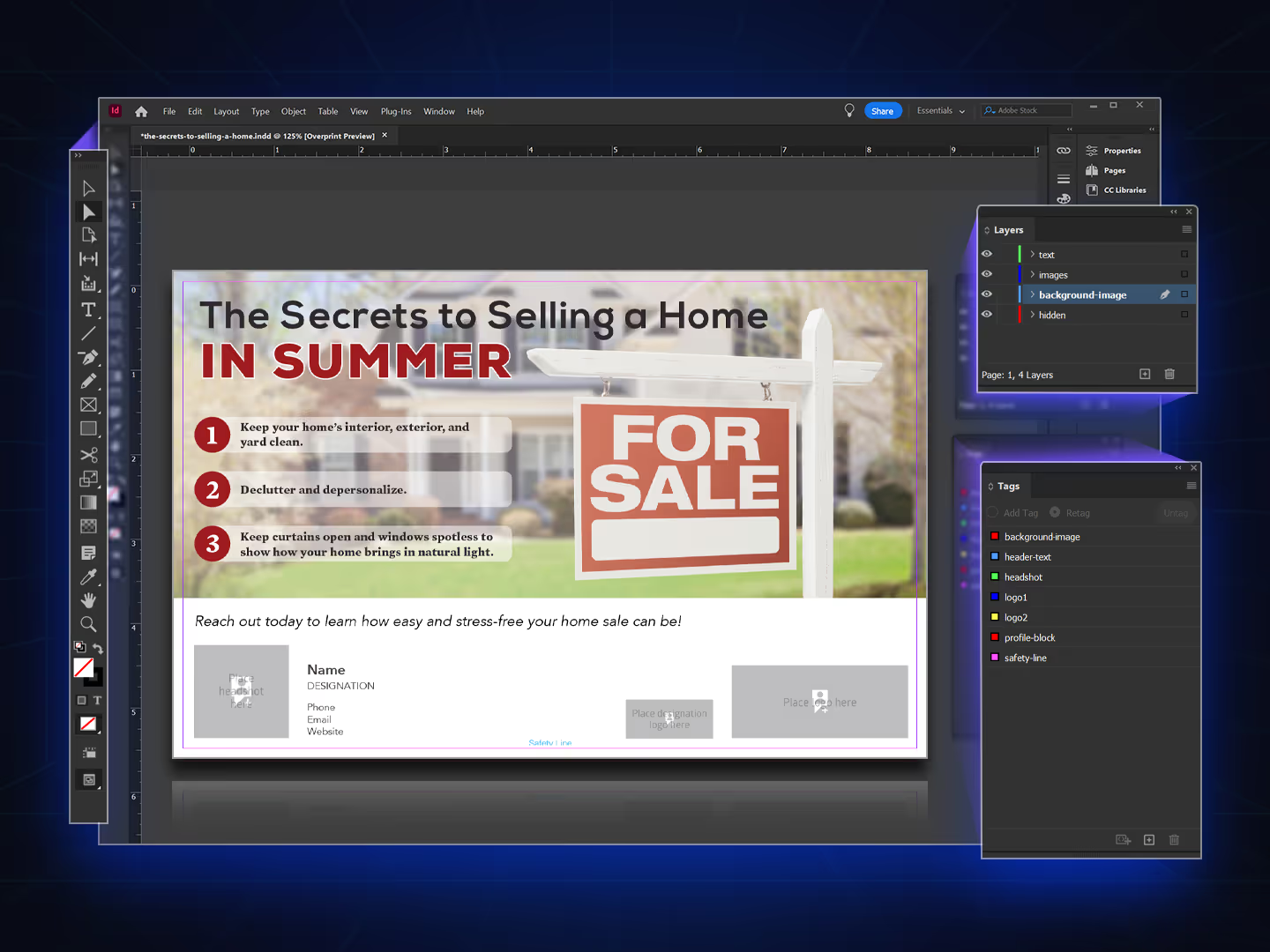
Import InDesign templates attached to product data
PrintNow parses text and assets in InDesign’s .IDML export format, automating template importing.
- Optionally tag your elements to identify them in the PrintNow Unified Admin tools.
- PrintNow keeps your product data and template data separate, allowing you to reimport one without affecting the other at any time.
- PrintNow also allows you to create templates using the Print Editor Admin without InDesign.

“PrintNow’s automated template-driven systems enforce brand consistency...”
Daniel Acree · Director of Marketing, ReminderMedia
Work in Editor Admin tools to craft your own template experiences
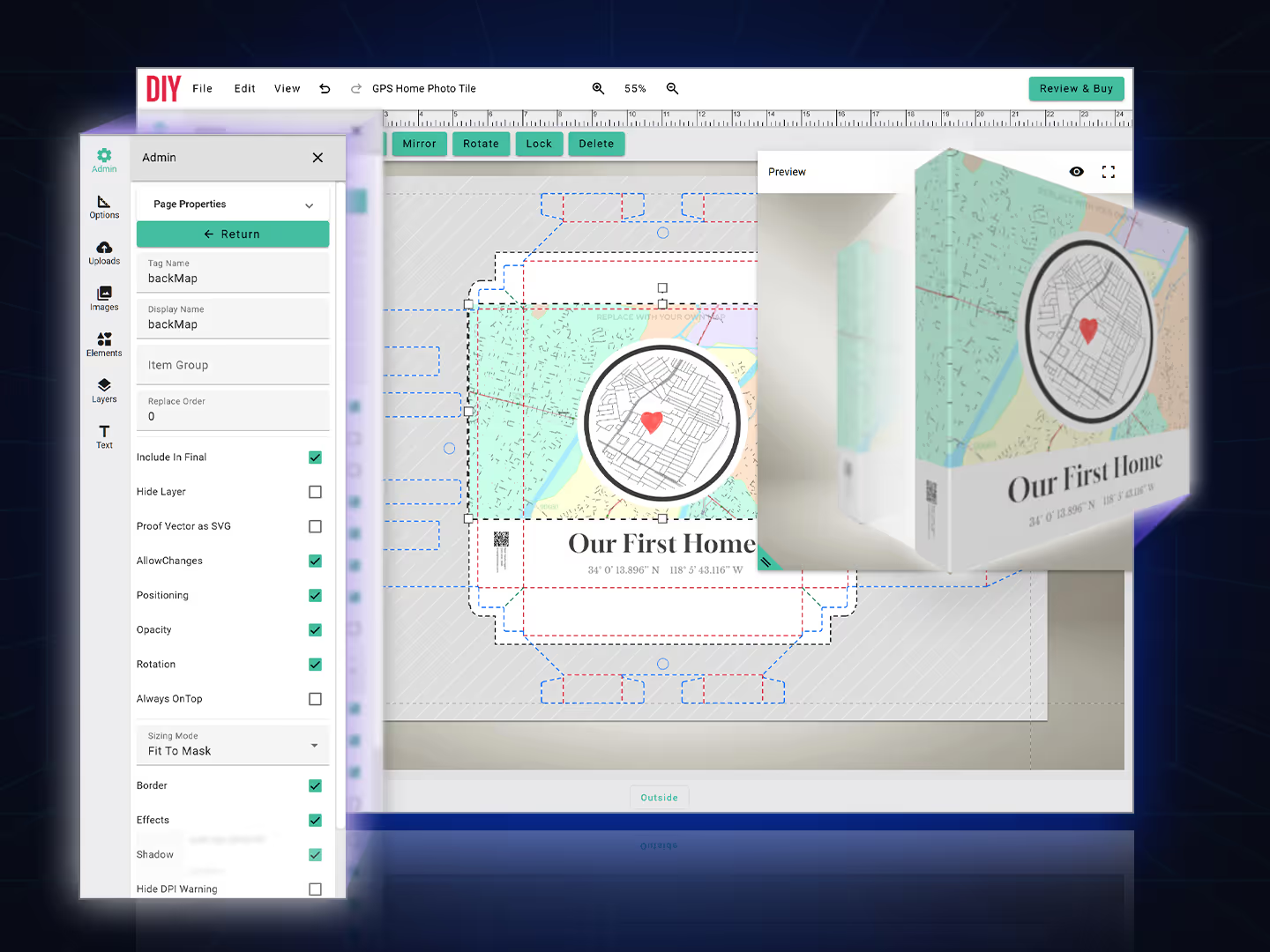
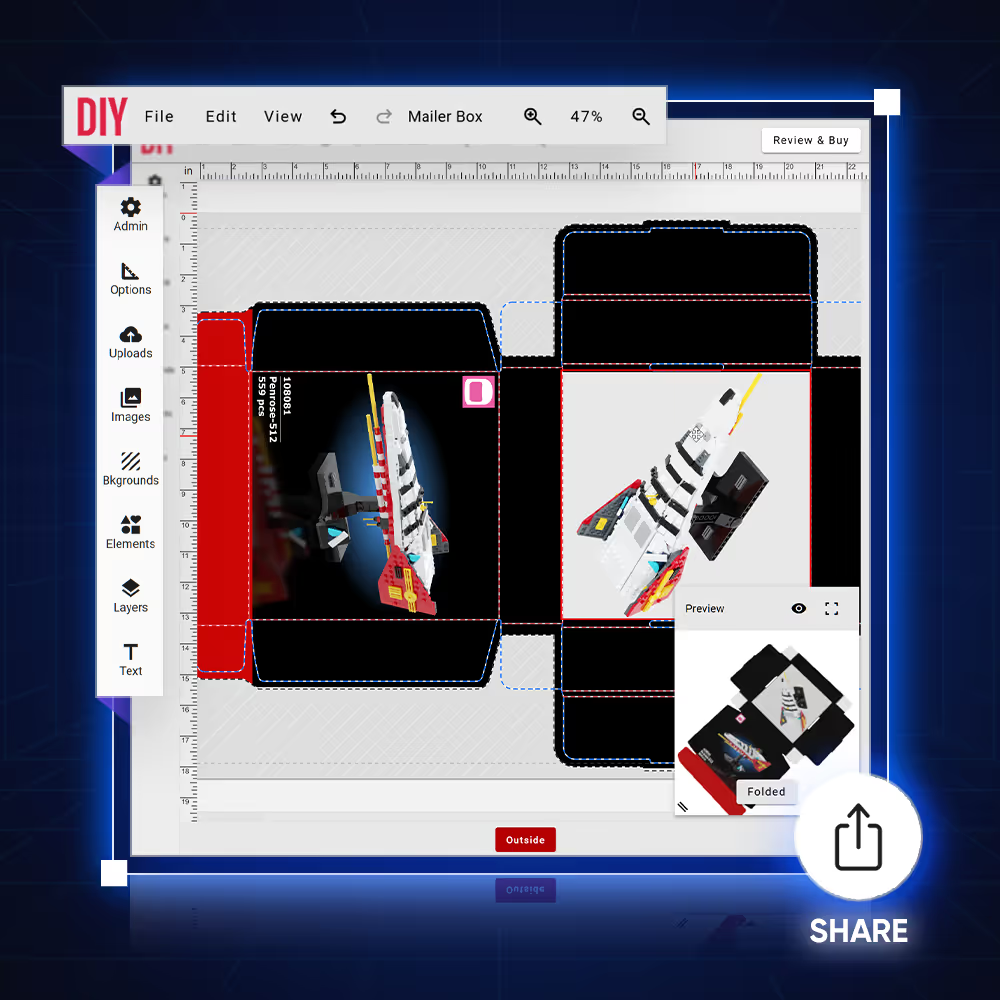
Discover the Print Editor, enabling staff admins to create and customize dynamic templates with ease.
- Modify any existing template and save changes.
- Adjust tag and display names.
- Control layout item replace orders.
- Specify what items are included in final print-ready PDF, hidden, and locked.
- Toggle the ability to change positioning, opacity, rotation, borders, effects, and shadows.
- Change sizing mode on text to Wrap, No Wrap, or Scale and on images to Fit To Mask, Fit To Box, or Scale.
- Create grouped elements to make template easier to work with and reposition.
- Work with asset libraries to modify templates.
- Export templates as a file for backup and reimport.
- Make thumbnails dynamically from saved results or upload custom thumbnails.
- Control toggles to change available panels, buttons, image search, and available features per template.
Link asset libraries to empower your users with more capabilities
Offer libraries of ready-to-use templates for anything and everything you want users to be able to create.
- You can attach color palettes either at the template level or at the item level on templates.
- Attach the fonts from the master library to specific product templates.
- Link interchangeable layouts, backgrounds, seamless patterns, and elements for creative assets.
- Change preview types to flat proof, PDF download, flip book, 3D models, & live photo views.
- Attach image libraries, photo stock integrations, and file storage integrations.
- Link attribute sets for filtering large template libraries.
- Link related products to show on product detail pages.
- Upload alternate thumbnail views for multiple displays.
Add conditional logic and autofill profiles in a form-based simple mode
PrintNow uses Mustache, a logic-less template engine that allows simple syntax placeholders to be replaced with values for controlling formatting.
- For advanced needs, PrintNow’s custom rules engine can define conditional logic based on tag names, targets, and actions for primary template controls.
- Autofill Profiles are used to pass variables assigned to users, user groups, or template-by-template basis for dynamic template text and image replacement.
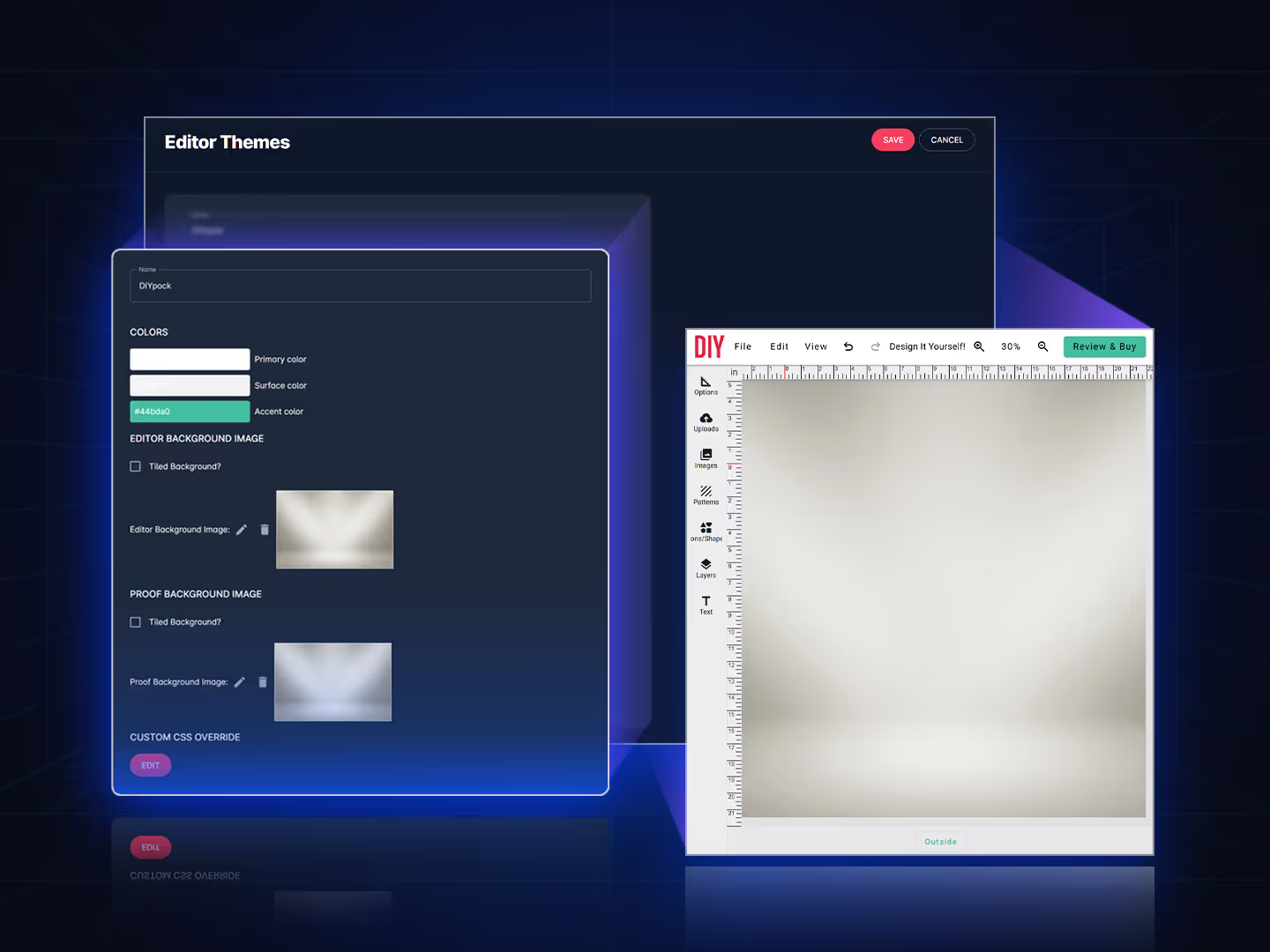
Make your Print Editor theme uniquely yours with customizations
Easily define your primary, surface, and accent colors in no time to blend it all together.
- Set background images on the main workspace and proofing windows for an enhanced visual experience.
- Enhance your design by customizing SVG icons.
- Use the Custom CSS editor to customize the appearance of your custom skins.
- Upload your logo to finalize branding your Print Editor.
Your profile and connection to support
All features
Discover all you can do with PrintNow.


