What is a Dieline? The Complete Guide to Packaging Dielines
What is a dieline in packaging? It's the flat blueprint of a package — cut lines, fold lines, and glue tabs that turn a flat sheet into a 3D box.
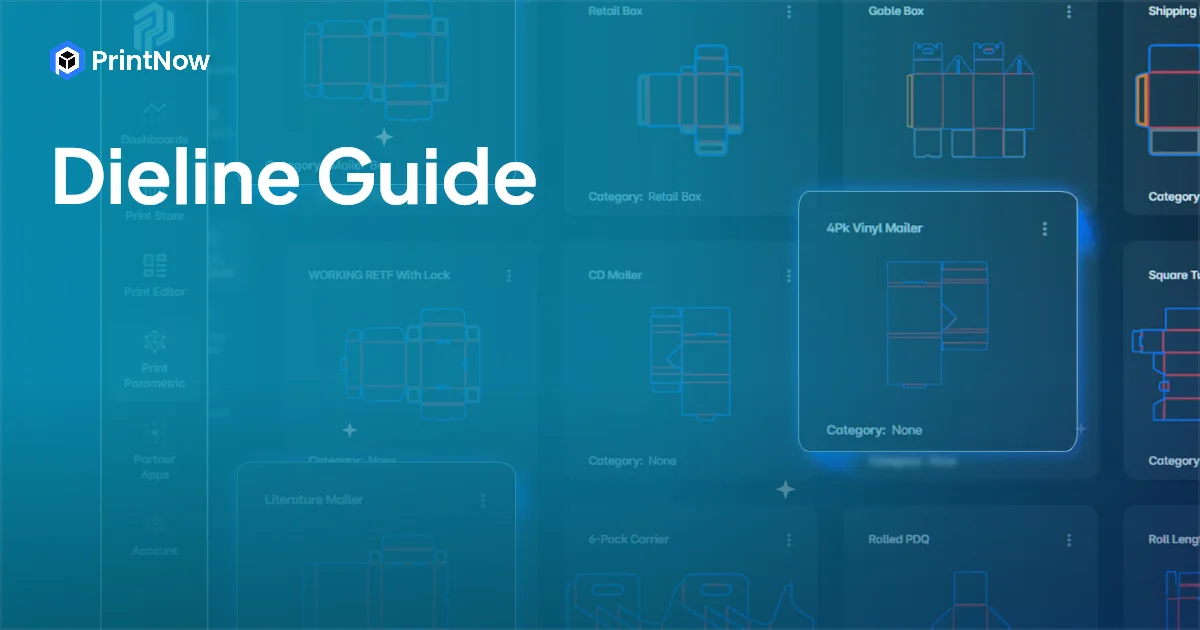
A dieline is the flat, two-dimensional blueprint of a package. It shows every cut line, fold line, glue tab, and panel that defines how a flat sheet of material becomes a three-dimensional box, carton, or container. If you've ever unfolded a cereal box and laid it flat on a table, you've seen a dieline.
In packaging production, the dieline is the foundational technical drawing that everything else depends on. The structural designer creates it, the graphic designer places artwork on it, and the printer uses it to cut and score the material. Without an accurate dieline, nothing downstream works.
Dieline Definition
A dieline (also written as "die line" or "die-line") is a vector-based template that maps the flat layout of a packaging structure. It defines:
- Cut lines — where the material will be cut through completely
- Fold lines (score lines) — where the material will be creased for folding
- Glue tabs — flaps where adhesive is applied during assembly
- Bleed area — where artwork extends beyond the cut line to prevent white edges
- Safe zone — the area where critical text and graphics should stay to avoid being cut or folded over
- Panels — the individual faces of the package (front, back, sides, top, bottom, flaps)
Dielines are created as vector files — typically in Adobe Illustrator (.ai), PDF, or specialized CAD formats — because vector graphics maintain precision at any scale. A dieline for a small jewelry box and a dieline for a shipping container use the same principles, just at different dimensions.
How Dielines Work in the Packaging Workflow
1. Structural design
The process starts with a structural designer creating the dieline in packaging CAD software. They define the box dimensions, panel layout, fold angles, flap styles, and locking mechanisms. The dieline must account for material thickness, grain direction, and manufacturing tolerances.
Most structural designers start from industry-standard templates. FEFCO codes (European Federation of Corrugated Board Manufacturers) define standard corrugated box styles — for example, FEFCO 0201 is the standard Regular Slotted Container (RSC) that most shipping boxes use. ECMA codes serve a similar purpose for folding carton.
2. Graphic design
Once the structural dieline is finalized, it's handed to a graphic designer as a template. The designer places artwork — branding, product photography, text, barcodes, regulatory information — onto the panels, working within the bleed and safe zone boundaries. The dieline's cut and fold lines act as guides, showing the designer exactly where each panel begins and ends.
3. Proofing and approval
The completed design (artwork on dieline) is proofed — often as a 3D mockup that shows how the flat layout folds into the finished package. This lets stakeholders see the design in context before any material is cut. 3D packaging previews eliminate surprises by showing exactly how artwork wraps around corners, where folds fall relative to graphics, and how the final product looks from every angle.
4. Production
The dieline is converted into tooling instructions for the die-cutting machine. A physical cutting die (a steel rule die) is manufactured to match the dieline's cut and score lines exactly. The printed sheets are then run through the die-cutting machine, which cuts and scores every package identically.
For short-run and digital production, laser cutting and digital die-cutting can work directly from the vector dieline file without requiring a physical die — reducing setup time and cost for custom packaging and prototype runs.
Common Dieline Types
Corrugated box dielines
Corrugated dielines are used for shipping boxes, retail displays, and heavy-duty packaging. The material is thicker (single-wall, double-wall, or triple-wall corrugated board), which means fold lines need wider score channels and glue tabs need to account for material bulk. Common FEFCO styles include:
- FEFCO 0201 (RSC) — Regular Slotted Container, the most common shipping box
- FEFCO 0421 — Roll End Tuck Top, popular for retail packaging
- FEFCO 0427 — Roll End with Lock, used for mailer boxes
Folding carton dielines
Folding carton uses thinner paperboard (SBS, CRB, or coated unbleached kraft) and is the standard for retail packaging — cereal boxes, cosmetic boxes, pharmaceutical packaging. Dielines are more precise because the thinner material allows tighter folds and more complex structures like auto-bottom locks, tuck flaps, and window cutouts.
Flexible packaging dielines
Flexible packaging (pouches, bags, wrappers) uses a different approach — the dieline defines the seal pattern, tear notches, and print registration marks rather than fold lines. The "structure" is created by heat-sealing rather than folding.
Label dielines
Label dielines define the shape, size, and placement of labels on containers. They include bleed, safe zone, and any die-cut shapes (rounded corners, custom contours). For wraparound labels, the dieline also accounts for the container's curvature.
How to Create a Dieline
Option 1: Packaging CAD software
Professional dieline creation uses dedicated packaging design software. Tools like Esko ArtiosCAD, ARDEN IMPACT, and PrintNow Print CAD provide parametric templates based on industry standards (FEFCO, ECMA), material libraries, and structural validation. You set dimensions and parameters, and the software generates a production-ready dieline. For a full breakdown of the options, see our guide to the best packaging design software.
Print CAD takes this further by making dielines parametric — you define variables and constraints once, then publish the structure to an online storefront where customers can configure their own dimensions and get instant dieline downloads. This is the approach behind web-to-pack ecommerce.
Option 2: Vector design software
For simpler structures, designers sometimes create dielines manually in Adobe Illustrator or CorelDRAW. This works for basic boxes but becomes error-prone for complex structures with multiple flaps, locks, and dimensional constraints. There's no automatic material thickness compensation or structural validation.
Option 3: Dieline generators and templates
Online dieline generators (like Pacdora, TemplateFlip, or BoxShot) let you input box dimensions and download a basic dieline template. These are useful for mockups and prototyping but typically lack the precision needed for production — they may not account for material thickness, manufacturing tolerances, or machine-specific requirements.
Dieline Best Practices
Use standard line colors. Industry convention uses specific colors for different line types: typically black or red for cut lines, green or blue for fold lines, and a separate color for glue areas. This prevents confusion when the file moves between structural design, graphic design, and production.
Account for material thickness. A 3mm corrugated board folds differently than 0.5mm folding carton. The dieline must compensate for material thickness in fold calculations — otherwise panels won't align correctly when assembled.
Include bleed and safe zones. Artwork should extend at least 3mm beyond cut lines (bleed) and critical content should stay at least 5mm inside fold lines (safe zone). This prevents white edges and ensures text isn't lost to fold or trim variation.
Separate dieline from artwork. The dieline should be on its own layer, clearly separated from the graphic artwork. The dieline layer is used for cutting and scoring — it should never print on the final package.
Validate before production. Test the dieline by printing at scale on similar material and folding by hand. A physical prototype reveals issues — misaligned panels, tight folds, weak locking mechanisms — that look fine on screen but fail in the real world.
Dielines and Web-to-Pack
Traditional dieline workflows are manual and linear — a structural designer creates the dieline, emails it to the graphic designer, who emails the proof to the client, who emails back revisions. This cycle repeats for every job.
Web-to-pack automates this by publishing parametric dielines to an online storefront. Customers select a box style, enter their dimensions, and the system generates the dieline automatically. They then customize the artwork in an online editor, preview the finished package in 3D, and order — all self-service.
For packaging companies, this means selling custom packaging online without manually creating a new dieline for every customer inquiry. The parametric system handles dimensional variations automatically, and the dynamic pricing engine quotes the job in real time based on the configured dimensions and materials.
If you're a packaging company looking to automate your dieline-to-order workflow, explore PrintNow's web-to-pack platform or talk to our team about your specific requirements.