Print Workflow Automation: The Complete Guide for Print Shops
How to automate your print workflow from order intake to delivery — PDF preflight, imposition, proofing, job routing, and fulfillment for commercial printers.
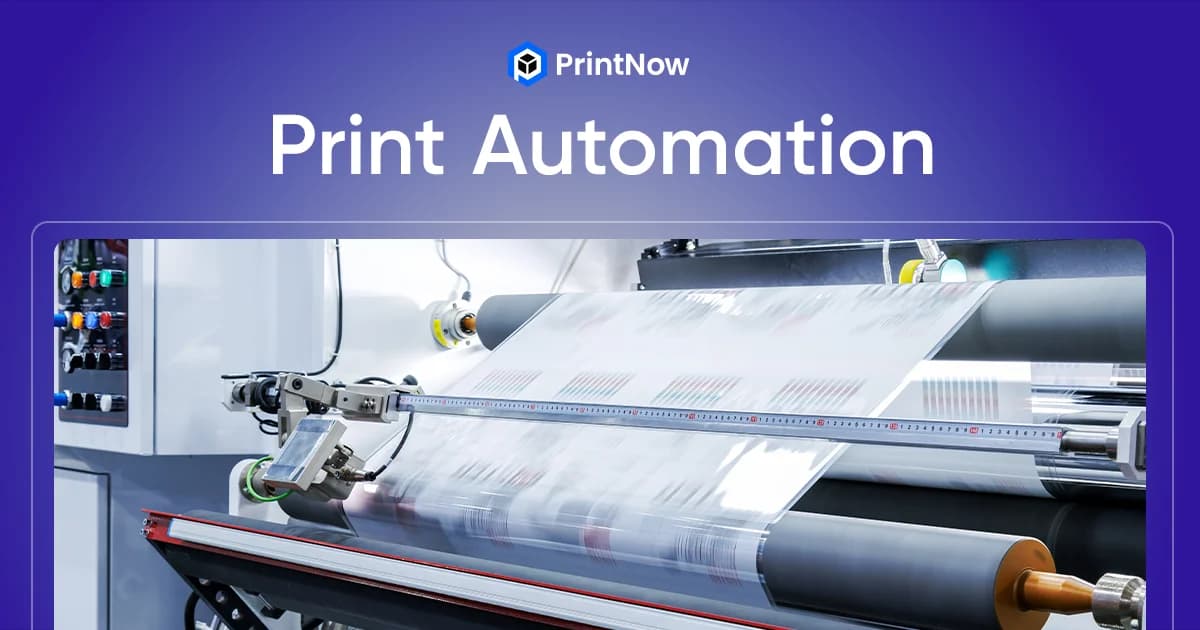
Every print job follows the same basic path: order comes in, files get checked, plates or queues get set up, the job prints, and it ships out. In most print shops, each handoff between those stages involves someone manually moving files, re-entering data, or chasing approvals over email.
Print workflow automation replaces those manual handoffs with software that moves jobs through each stage automatically — from the moment a customer submits an order online to the moment it ships. The result is fewer errors, faster turnaround, and a team that spends time on skilled work instead of data entry.
This guide breaks down the seven stages of a print workflow that you can automate, what to look for in print workflow software, and how to get started without overhauling your entire operation.
What Is Print Workflow Automation?
Print workflow automation is the use of software to connect and streamline the stages of print production — order intake, prepress, proofing, scheduling, printing, finishing, and fulfillment. Instead of each stage operating in isolation with manual handoffs between them, automation creates a continuous pipeline where data, files, and status updates flow automatically from one step to the next.
The scope ranges from simple automations (sending an automatic email when a proof is approved) to end-to-end systems that route an online order through preflight, imposition, and directly to a press queue without anyone touching it.
For commercial printers handling hundreds of jobs per week, even partial automation creates significant gains. You don't need to automate everything on day one — most shops start with the stages that cause the most bottlenecks.
The 7 Stages of a Print Workflow You Can Automate
1. Online Order Intake
The workflow starts when a customer places an order. In a manual process, this might mean receiving an email with attached files, entering the order into your MIS, and saving the files to a production folder. Each step is a chance for something to go wrong — a mistyped quantity, a lost attachment, a file saved to the wrong folder.
With a web-to-print storefront, customers build their own orders online. They select a product, upload or customize their design, choose options (paper stock, quantity, finishing), and submit payment. The order data flows directly into your production system with the correct specifications attached. No re-keying, no misinterpretation, no lost files.
The best web-to-print systems also validate files at the point of upload — checking dimensions, resolution, and color space before the order is even submitted.
2. Automated PDF Preflight
Preflight is where you check that submitted files are print-ready: correct dimensions, sufficient resolution, proper bleed, fonts embedded, color space set to CMYK. Doing this manually for every file is time-consuming and error-prone, especially when customers submit files that look fine on screen but won't reproduce well in print.
Automated preflight software checks every file against a set of rules the moment it arrives. Common checks include:
- Page dimensions match the ordered product size
- Image resolution meets minimum DPI for the print method
- Bleed and trim areas are properly set up
- Fonts are embedded or outlined
- Color space is CMYK (or converted automatically from RGB)
- Transparency is flattened where required
Files that pass move forward automatically. Files that fail can be flagged for manual review or bounced back to the customer with specific instructions on what to fix. This catches problems at the cheapest point in the process — before any press time is wasted.
3. Imposition and Prepress
Imposition is the process of arranging multiple pages or jobs onto a single press sheet for efficient printing. For a commercial printer running a 40-inch press, proper imposition means fitting as many jobs as possible onto each sheet, minimizing waste and maximizing throughput.
Print workflow automation software handles imposition based on rules you define: sheet size, press type, finishing requirements, and grain direction. The software can gang multiple jobs together automatically when they share the same stock and run length, reducing both setup time and paper waste.
Automated prepress also handles tasks like adding crop marks, color bars, and registration marks — the mechanical details that are essential but add no creative value. Eliminating manual prepress work on these repetitive tasks lets your prepress team focus on the jobs that actually need their expertise.
4. Proofing and Approval
The proofing cycle is one of the biggest bottlenecks in print production. In a manual process, you generate a proof, email it to the customer, wait for a response, receive vague feedback ("make the blue darker"), generate a revised proof, and repeat. Multiply this by dozens of jobs and your production schedule backs up fast.
Automated proofing systems give customers a self-service portal where they can review their proof, annotate specific areas, and approve with a single click. The approval automatically advances the job to the next stage — no one needs to check their inbox and manually update the job status.
You can also set up automatic approval for repeat orders. If a customer reorders the same business cards they've ordered three times before with no changes, the job can skip proofing entirely and go straight to production.
5. Job Routing and Scheduling
Once a job is approved and prepress-ready, it needs to be assigned to the right press and scheduled into the production queue. Manual scheduling means someone (usually a production manager) reviews every job, decides which press to use based on the job specs, and slots it into the schedule.
Print workflow management software automates this by matching job characteristics — sheet size, color count, stock type, quantity, finishing requirements — against your available equipment. A digitally printed short run goes to the digital press queue. A long-run offset job goes to the appropriate offset press. A wide-format job goes to the large-format printer.
Automated scheduling also optimizes the order of jobs to minimize press changeovers. Jobs on the same stock can be grouped together, reducing the time spent switching paper between runs.
6. Production Tracking
During production, print workflow automation provides real-time visibility into where every job stands. Instead of walking the floor to check on a job's status or fielding customer calls asking "is my order done yet?", the system tracks each job's progress through production automatically.
Barcode scanning at each workstation (printing, cutting, folding, binding) updates the job status in the system. This data feeds into:
- Customer-facing order tracking — customers can check their order status online without calling your shop
- Internal dashboards — production managers see bottlenecks in real time
- Automated notifications — customers receive emails when their job moves to printing, finishing, and shipping
This line-of-sight visibility eliminates the most common customer service inquiry ("where's my order?") and gives your team data to identify and fix production bottlenecks.
7. Fulfillment and Shipping
The final stage is getting the finished product to the customer. Print workflow automation can generate shipping labels, calculate rates across carriers, and trigger pickup requests automatically once a job is marked complete.
For shops that ship high volumes, integration with carriers (UPS, FedEx, USPS) and shipping platforms automates rate shopping, label printing, and tracking number assignment. The tracking number is automatically emailed to the customer and logged against the order.
For trade printers who ship to their reseller's customers (blind shipping), automation handles the address routing and branded packing slips without manual intervention.
Benefits of Automating Your Print Workflow
The individual benefits at each stage compound across the full workflow:
Fewer errors. Manual data entry is the single largest source of errors in print production. Automation eliminates re-keying between systems — the customer's order data flows directly from storefront to press without anyone retyping it.
Faster turnaround. Removing manual handoffs between stages shaves hours or days off production time. Jobs that used to wait in someone's inbox for approval or scheduling move forward automatically.
Lower labor costs. Automation doesn't replace your team — it redirects them from repetitive tasks to work that requires judgment and skill. Your prepress operators spend less time adding crop marks and more time solving actual prepress problems.
Better customer experience. Self-service ordering, real-time tracking, and automated notifications give customers the experience they expect from modern ecommerce. They can place orders, approve proofs, and track shipments on their own schedule.
Scalable capacity. A shop running manual workflows hits a ceiling where adding more jobs means adding more people. Automated workflows handle higher volume without proportional headcount increases.
How to Get Started
You don't need to automate everything at once. Most print shops see the fastest ROI by starting with the stages that create the most bottlenecks:
-
Start with order intake. A web-to-print storefront with an online print editor eliminates the highest-friction point: getting clean orders and print-ready files from customers.
-
Add automated preflight. Once orders flow in digitally, automated file checking catches problems before they reach production.
-
Automate proofing. Self-service proof approval removes the email back-and-forth that stalls your production schedule.
-
Connect to your MIS or production system. Integrations between your web-to-print platform and your existing MIS, press controllers, or fulfillment systems close the loop from order to delivery.
-
Layer in tracking and notifications. Once the core workflow is automated, add customer-facing tracking and automated status emails.
Each stage you automate reduces manual work and makes the next stage easier to connect. The goal isn't a single big-bang implementation — it's a steady progression toward a connected, automated workflow that runs with minimal manual intervention.
Automate Your Print Workflow with PrintNow
PrintNow's web-to-print platform connects online ordering, file management, and production automation in a single system. From storefront to print production, you get the tools to automate each stage of your workflow — without replacing your existing equipment or MIS.